Images
Embed bitmap images in your PDF with standard Compose Image composables.
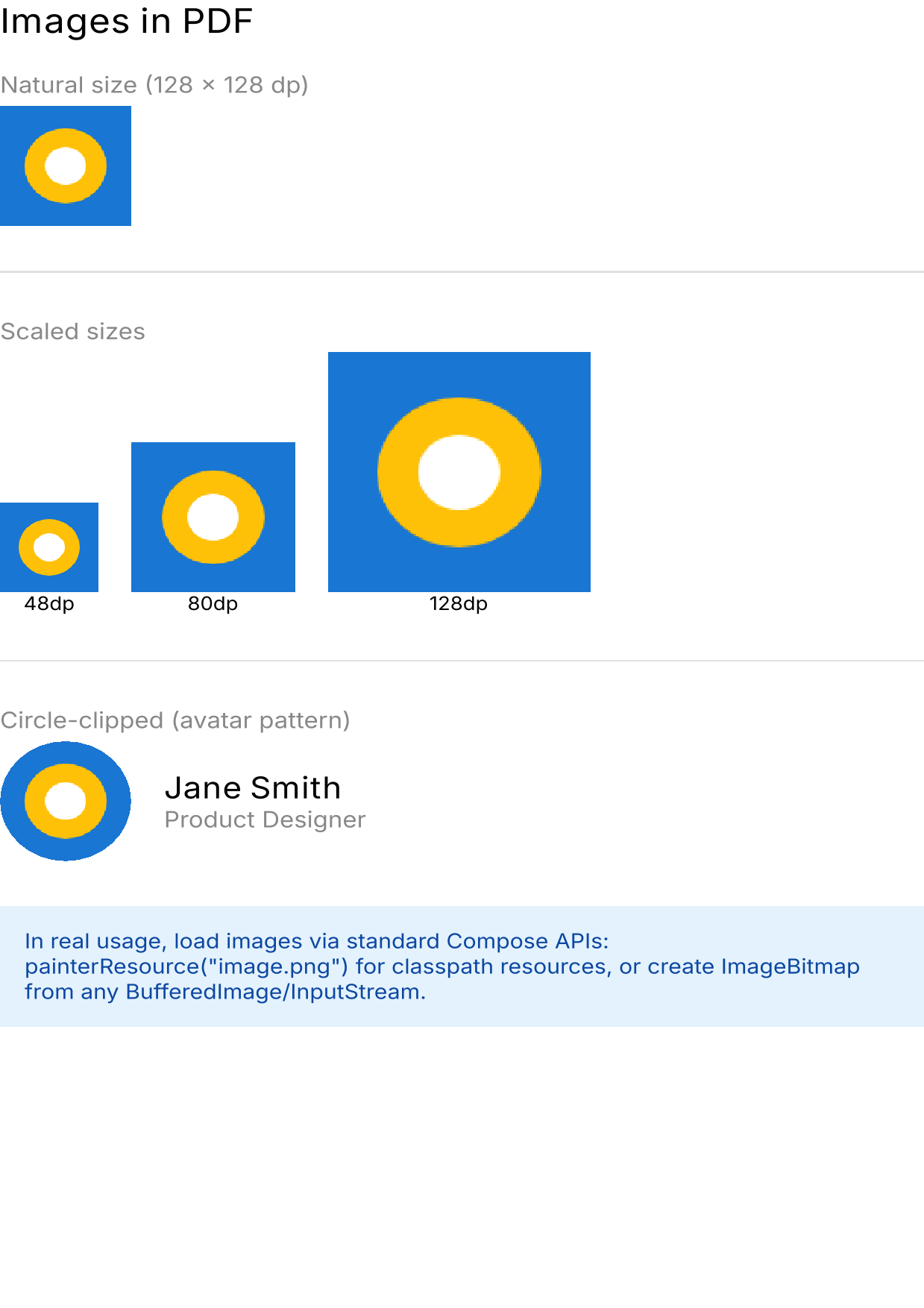 Images in PDF example — download PDF
Basic image
import androidx.compose.foundation.Image
import androidx.compose.ui.graphics.painter.BitmapPainter

val bitmap = loadImageBitmap() // Your ImageBitmap

renderToPdf {
    Image(
        bitmap = bitmap,
        contentDescription = "Photo",
        modifier = Modifier.size(200.dp, 150.dp),
    )
}
Creating images programmatically
You can create ImageBitmap from Skia surfaces:
import org.jetbrains.skia.Surface as SkSurface
import org.jetbrains.skia.Paint as SkPaint
import org.jetbrains.skia.Color as SkColor
import org.jetbrains.skia.Rect as SkRect

val bitmap = run {
    val surface = SkSurface.makeRasterN32Premul(128, 128)
    surface.canvas.drawRect(
        SkRect.makeWH(128f, 128f),
        SkPaint().apply { color = SkColor.makeRGB(25, 118, 210) },
    )
    surface.makeImageSnapshot().toComposeImageBitmap()
}
Image sizing
Control the rendered size with Modifier.size():
Row(horizontalArrangement = Arrangement.spacedBy(16.dp)) {
    Image(BitmapPainter(bitmap), "Small", Modifier.size(48.dp))
    Image(BitmapPainter(bitmap), "Medium", Modifier.size(80.dp))
    Image(BitmapPainter(bitmap), "Large", Modifier.size(128.dp))
}
Circle-clipped images (avatars)
Image(
    painter = BitmapPainter(bitmap),
    contentDescription = "Avatar",
    modifier = Modifier
        .size(64.dp)
        .clip(CircleShape),
)
Images with text layout
Combine images and text in standard Compose layouts:
Row(
    horizontalArrangement = Arrangement.spacedBy(16.dp),
    verticalAlignment = Alignment.CenterVertically,
) {
    Image(
        painter = BitmapPainter(bitmap),
        contentDescription = "Avatar",
        modifier = Modifier.size(64.dp).clip(CircleShape),
    )
    Column {
        Text("Jane Smith", fontSize = 16.sp, fontWeight = FontWeight.Bold)
        Text("Product Designer", fontSize = 12.sp, color = Color.Gray)
    }
}
How images are embedded
- Vector mode: Images are captured as base64-encoded data during SVG generation, then decoded and embedded as lossless PDF image objects via PDFBox’s
LosslessFactory. - Raster mode: The entire page (including images) is rendered as a single bitmap and embedded as one PDF image.
For the smallest file sizes with image-heavy documents, use vector mode. Each image is embedded at its natural resolution. In raster mode, the entire page is one bitmap at the render density.
See also
- Shapes and Drawing – Clipping and backgrounds
- Vector vs Raster – How images differ between modes