Page Configuration
Demonstrates page sizes, margins, landscape mode, and custom page dimensions. Each variant draws a 2dp blue border around the available content area so you can see exactly where your composable lives.
Full code
import com.chrisjenx.compose2pdf.PdfMargins
import com.chrisjenx.compose2pdf.PdfPageConfig
import com.chrisjenx.compose2pdf.renderToPdf
import androidx.compose.foundation.border
import androidx.compose.foundation.layout.Box
import androidx.compose.foundation.layout.Column
import androidx.compose.foundation.layout.Spacer
import androidx.compose.foundation.layout.fillMaxSize
import androidx.compose.foundation.layout.height
import androidx.compose.foundation.layout.padding
import androidx.compose.material.Text
import androidx.compose.ui.Modifier
import androidx.compose.ui.graphics.Color
import androidx.compose.ui.text.font.FontWeight
import androidx.compose.ui.unit.dp
import androidx.compose.ui.unit.sp

fun main() {
    val letter = PdfPageConfig.LetterWithMargins
    val pdfBytes = renderToPdf(config = letter) {
        Box(
            Modifier
                .fillMaxSize()
                .border(2.dp, Color(0xFF2196F3))
                .padding(16.dp),
        ) {
            Column {
                Text("Letter + Normal Margins", fontSize = 24.sp, fontWeight = FontWeight.Bold)
                Spacer(Modifier.height(4.dp))
                Text("612 x 792 dp -- 72dp margins", fontSize = 12.sp, color = Color.Gray)
                Spacer(Modifier.height(16.dp))
                Text("Content area: ${letter.contentWidth} x ${letter.contentHeight}", fontSize = 14.sp)
            }
        }
    }
    java.io.File("letter-with-margins.pdf").writeBytes(pdfBytes)
}
Walkthrough
1. Pick a preset (or define your own)
val a4         = PdfPageConfig.A4                  // 595 x 842 dp, no margins
val letter     = PdfPageConfig.LetterWithMargins   // 612 x 792 dp, 72dp margins (1 inch)
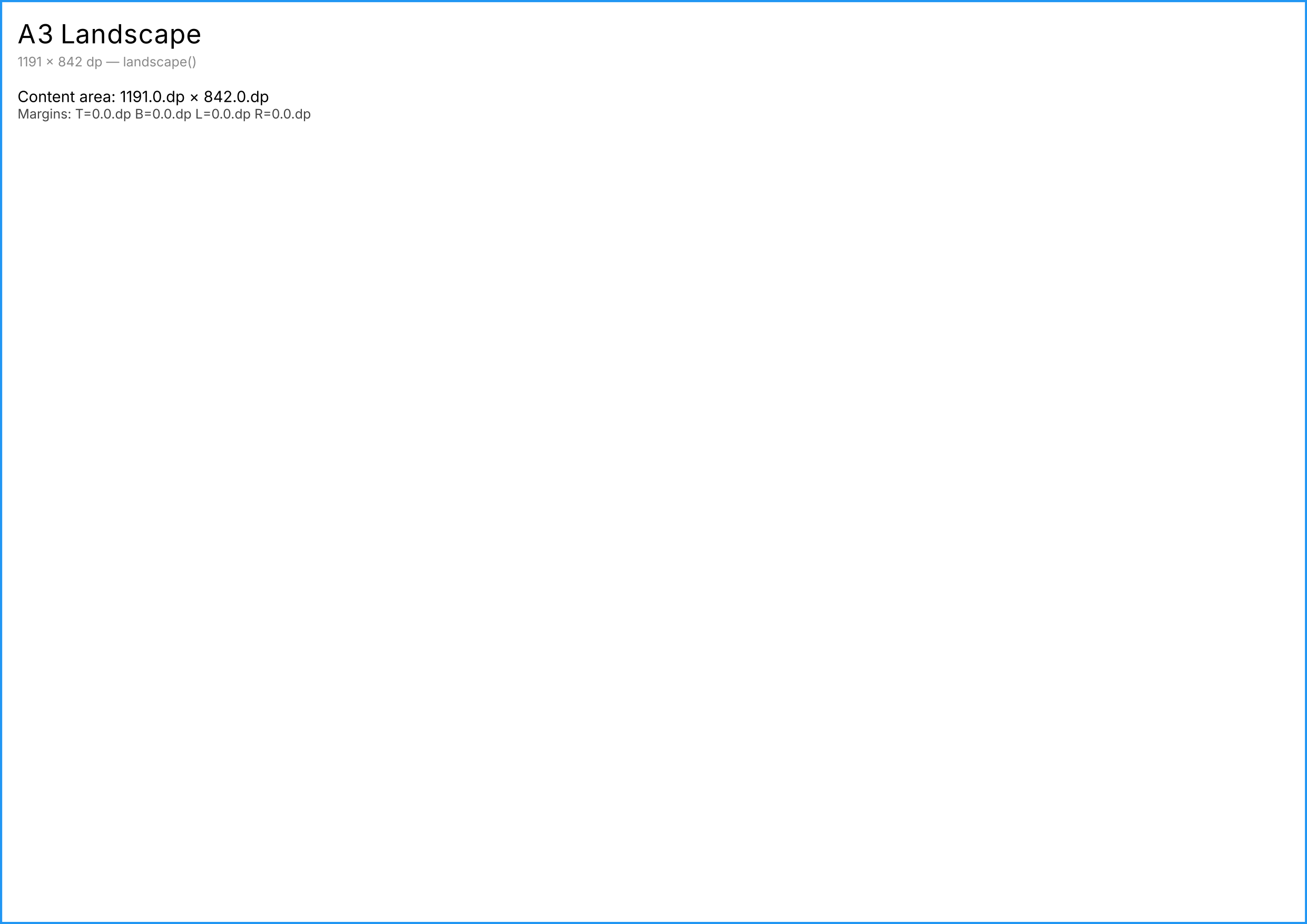
val a3wide     = PdfPageConfig.A3.landscape()      // 1191 x 842 dp, no margins
val custom     = PdfPageConfig(
    width  = 360.dp,
    height = 504.dp,
    margins = PdfMargins(top = 36.dp, bottom = 48.dp, left = 24.dp, right = 24.dp),
)
PdfPageConfig exposes computed contentWidth and contentHeight so you can see the area available to your composable.
2. Pass it to renderToPdf
val pdfBytes = renderToPdf(config = letter) {
    // Your content -- laid out within the content area, not the full page.
}
When margins are non-zero, Modifier.fillMaxSize() fills the content area, not the full page. The margin region remains blank around your composable.
3. Combine with .landscape() and .copy(margins = ...)
val a4Narrow = PdfPageConfig.A4.copy(margins = PdfMargins.Narrow)         // 24dp margins
val sym      = PdfMargins.symmetric(horizontal = 48.dp, vertical = 36.dp) // helper
val landscapeWithMargins = PdfPageConfig.A4.copy(margins = sym).landscape()
landscape() swaps width and height and rotates the margins (left becomes top, top becomes right, etc.).
Output
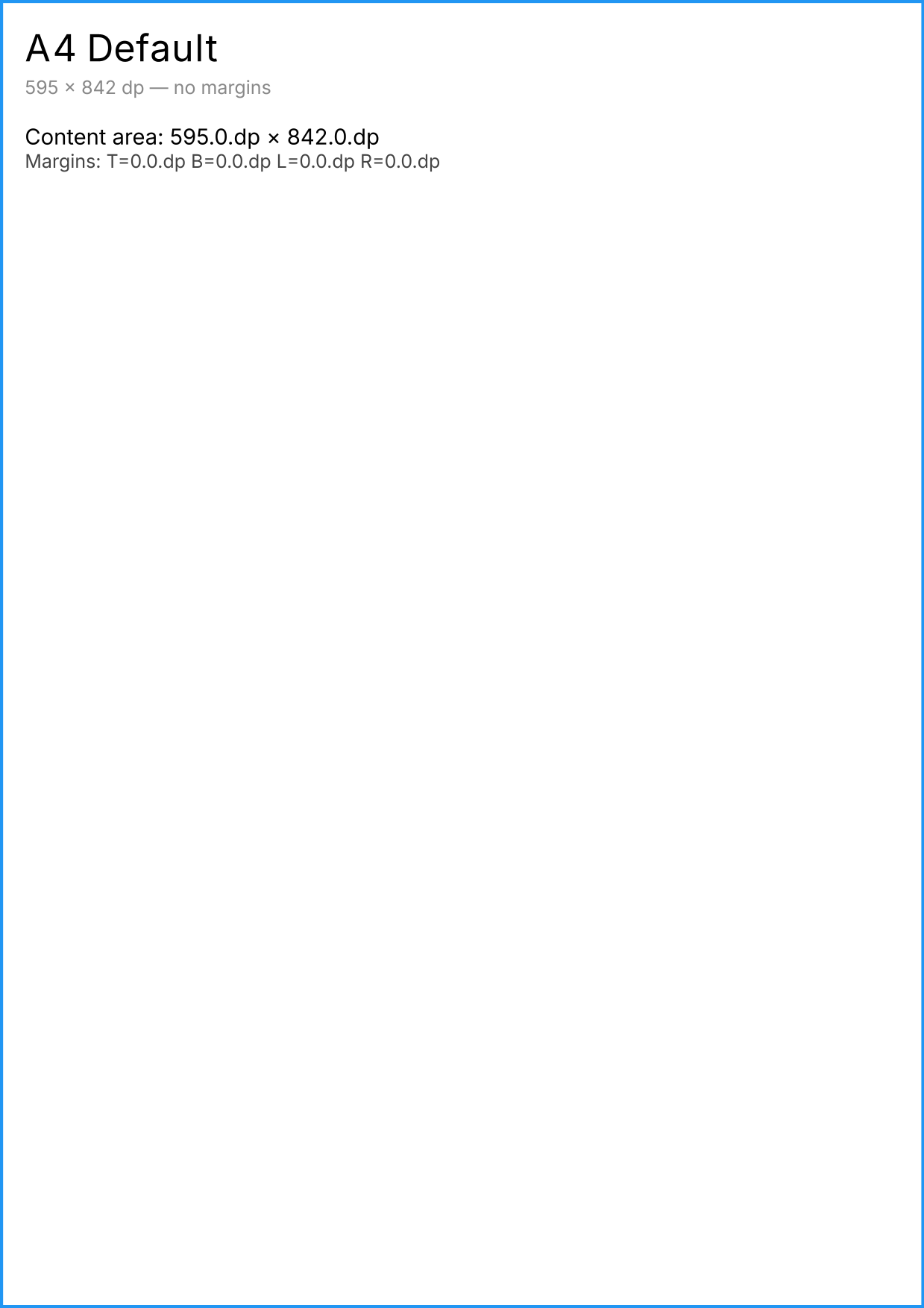
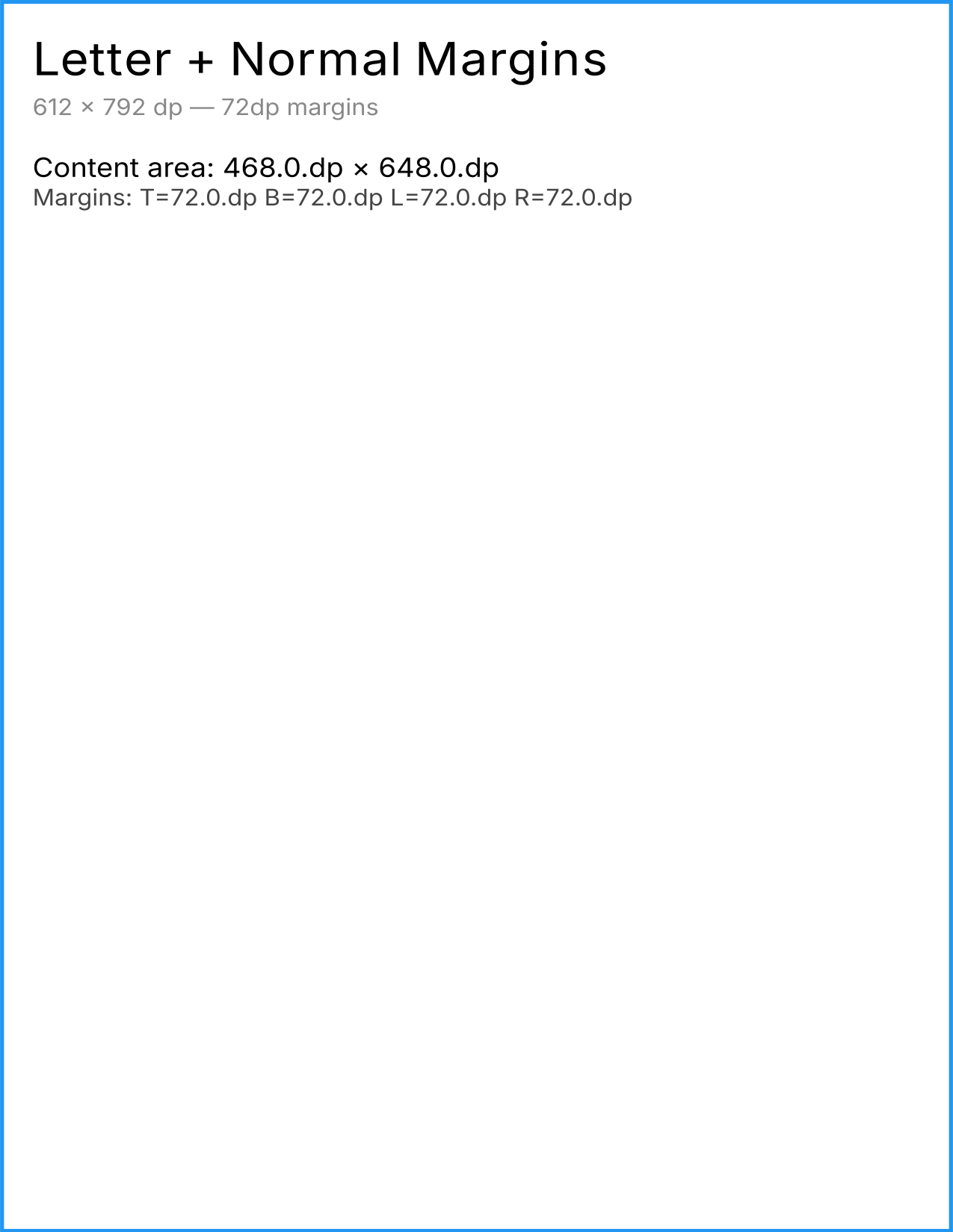
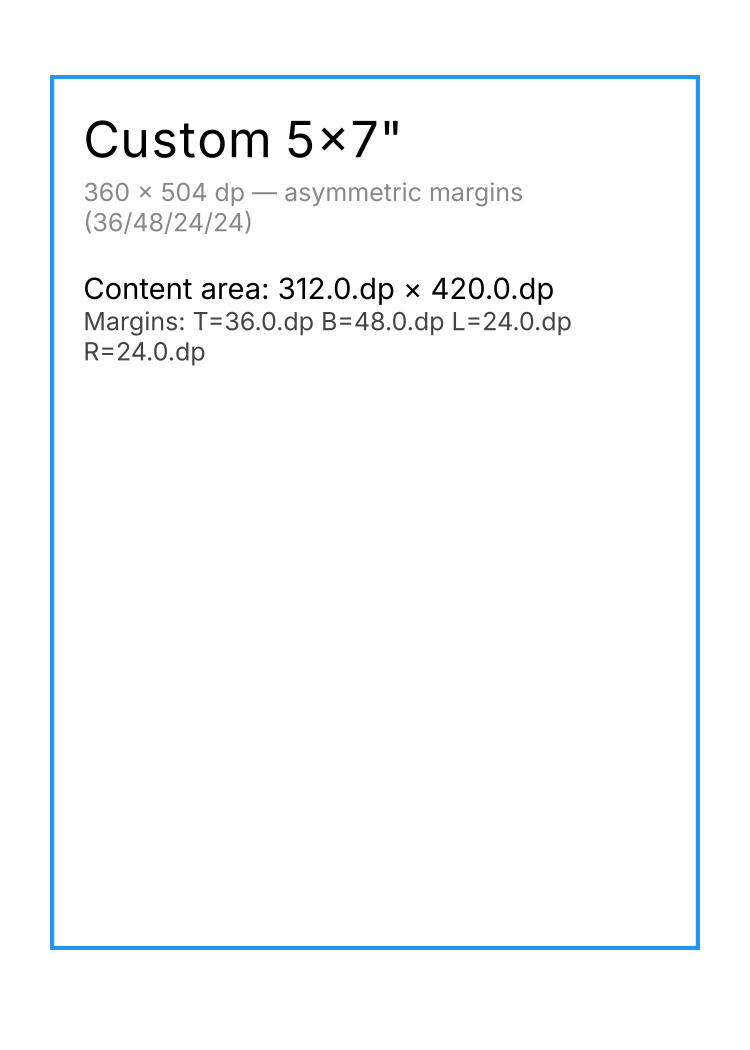
The blue border in the Letter + Normal margins and Custom 5x7” variants sits inside the page edges – proof that margins are honoured. The Custom variant uses asymmetric margins (T=36 / B=48 / L=24 / R=24 dp) and the border insets reflect those values exactly.
Next steps
- Usage: Page Configuration – full reference with all presets and validation rules
- Multi-page documents – render multiple pages with consistent margins
- Auto-pagination – automatic page breaks within margins