Page Configuration
Control page size, margins, and orientation with PdfPageConfig and PdfMargins.
Built-in presets
| Preset | Dimensions | Margins | Physical Size |
|---|---|---|---|
PdfPageConfig.A4 |
595 x 842 dp | None | 210 x 297 mm |
PdfPageConfig.A4WithMargins |
595 x 842 dp | 72dp (1”) all sides | 210 x 297 mm |
PdfPageConfig.Letter |
612 x 792 dp | None | 8.5 x 11 in |
PdfPageConfig.LetterWithMargins |
612 x 792 dp | 72dp (1”) all sides | 8.5 x 11 in |
PdfPageConfig.A3 |
842 x 1191 dp | None | 297 x 420 mm |
PdfPageConfig.A3WithMargins |
842 x 1191 dp | 72dp (1”) all sides | 297 x 420 mm |
val pdf = renderToPdf(config = PdfPageConfig.A4WithMargins) {
    Text("A4 with 1-inch margins")
}
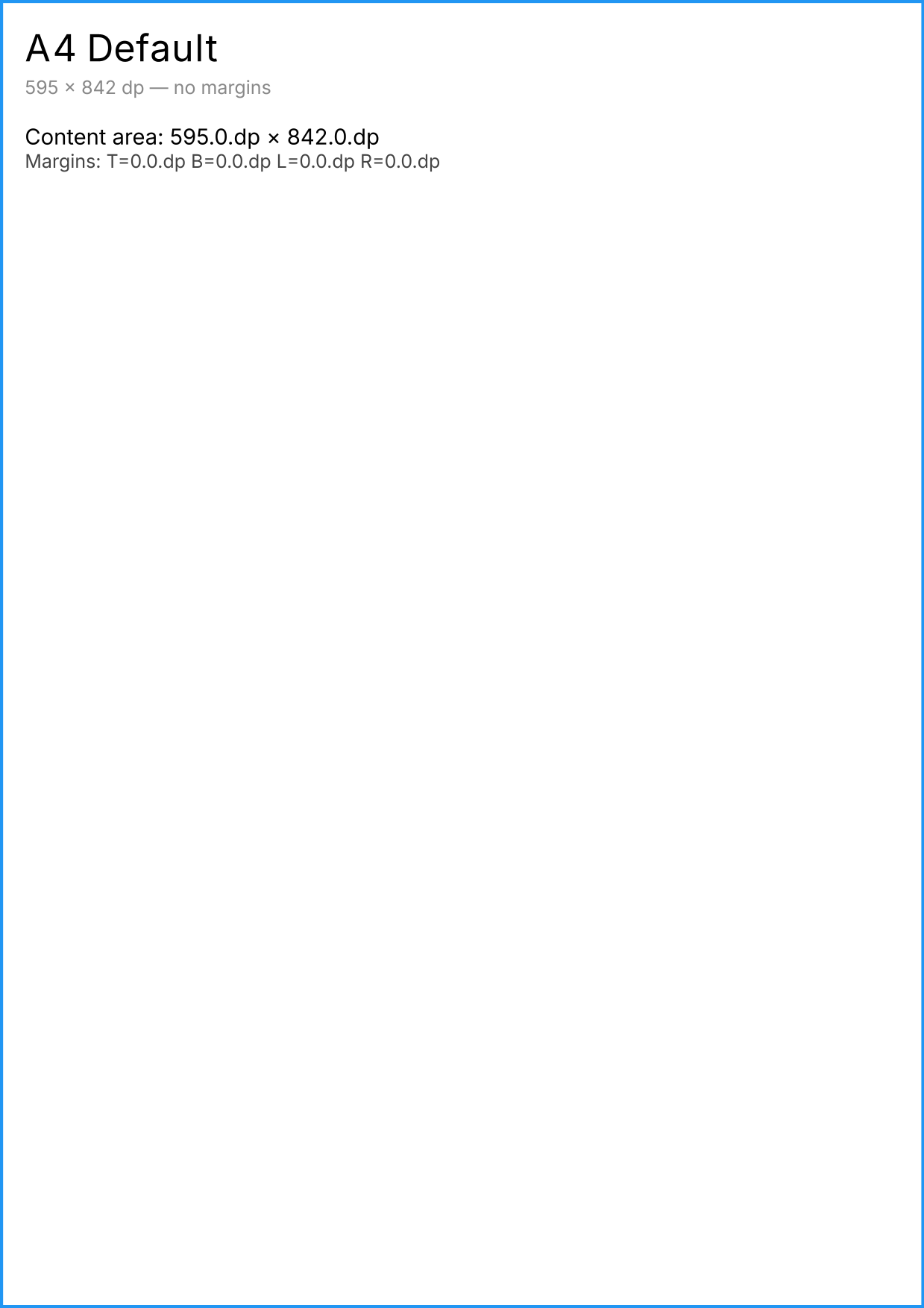
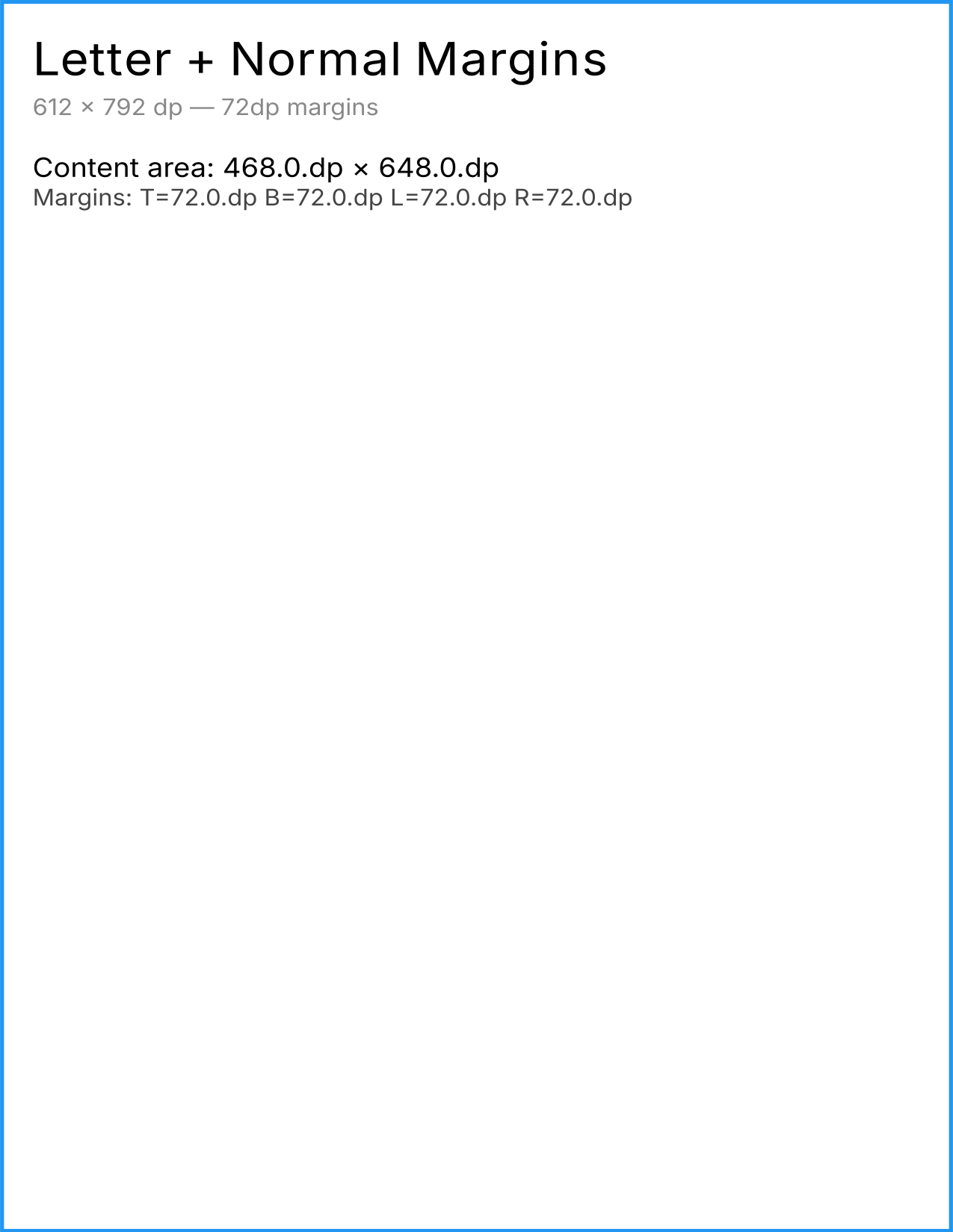
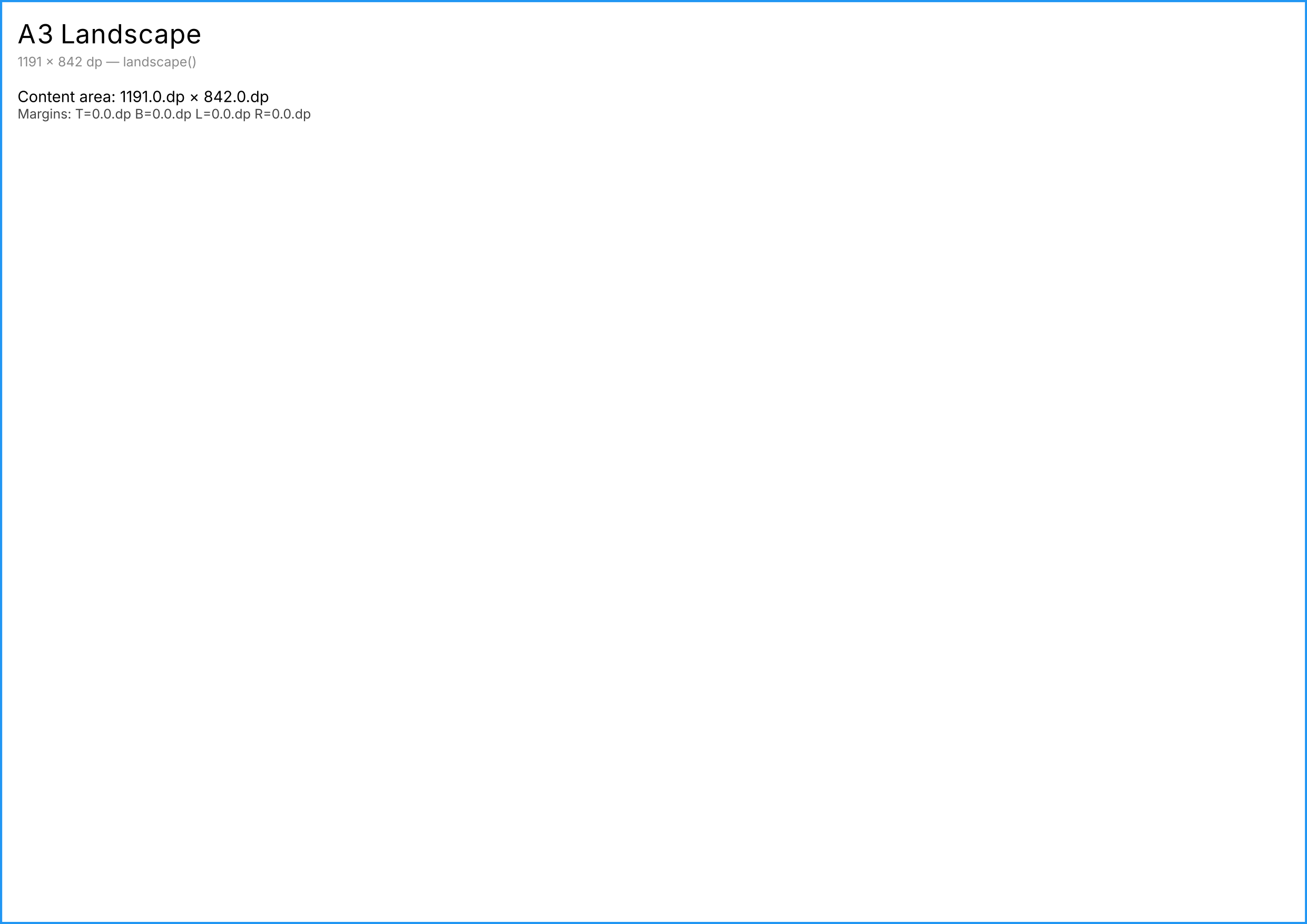
Compose Dp and PDF points are the same unit: 1/72 of an inch. A value of 72.dp equals exactly 1 inch in the PDF. No conversion needed.
Landscape mode
Call .landscape() on any config to swap width and height (margins are rotated too):
val pdf = renderToPdf(config = PdfPageConfig.A4.landscape()) {
    Text("Landscape A4")
}
Custom page sizes
Create any page size by specifying width and height in Dp:
val halfLetter = PdfPageConfig(
    width = 396.dp,   // 5.5 inches
    height = 612.dp,  // 8.5 inches
    margins = PdfMargins.Narrow,
)

val pdf = renderToPdf(config = halfLetter) {
    Text("Custom size")
}
Margins
Built-in presets
| Preset | Size | Physical |
|---|---|---|
PdfMargins.None |
0 dp | No margins |
PdfMargins.Narrow |
24 dp all sides | ~8.5 mm / ~1/3 inch |
PdfMargins.Normal |
72 dp all sides | 1 inch / 25.4 mm |
Symmetric margins
val margins = PdfMargins.symmetric(
    horizontal = 48.dp,  // Left and right
    vertical = 36.dp,    // Top and bottom
)
Custom margins
val margins = PdfMargins(
    top = 72.dp,
    bottom = 48.dp,
    left = 36.dp,
    right = 36.dp,
)

val config = PdfPageConfig(
    width = 612.dp,
    height = 792.dp,
    margins = margins,
)
Adding margins to a preset
val config = PdfPageConfig.A4.copy(margins = PdfMargins.Narrow)
Content area
After margins are applied, the usable area is available via computed properties:
val config = PdfPageConfig.A4WithMargins
println(config.contentWidth)   // 451.dp  (595 - 72 - 72)
println(config.contentHeight)  // 698.dp  (842 - 72 - 72)
Your composable content is laid out within this content area. The margin region remains blank – modifiers like Modifier.fillMaxSize() fill the content area, not the entire page.
Margins are applied at the PDF page level, not as Compose padding. This means modifiers like border() or background() on a Modifier.fillMaxSize() element produce a frame around the content area, not the page edge.
Validation
PdfPageConfig validates on construction:
- Width and height must be positive
- Content area after margins must be positive (margins can’t exceed the page size)
// This throws IllegalArgumentException:
PdfPageConfig(width = 100.dp, height = 100.dp, margins = PdfMargins.Normal)
// Margins (72 + 72 = 144) exceed page width (100)
See also
- API Reference: PdfPageConfig – Full class documentation
- API Reference: PdfMargins – Full margins documentation