Examples
Complete code examples demonstrating compose2pdf features. All examples are runnable – see Running Examples to generate PDFs locally.
Example gallery
| # |
Example |
Features demonstrated |
| 01 |
Hello World |
Basic renderToPdf, text, layout |
| 02 |
Page Configuration |
Page presets, margins, landscape, custom sizes |
| 03 |
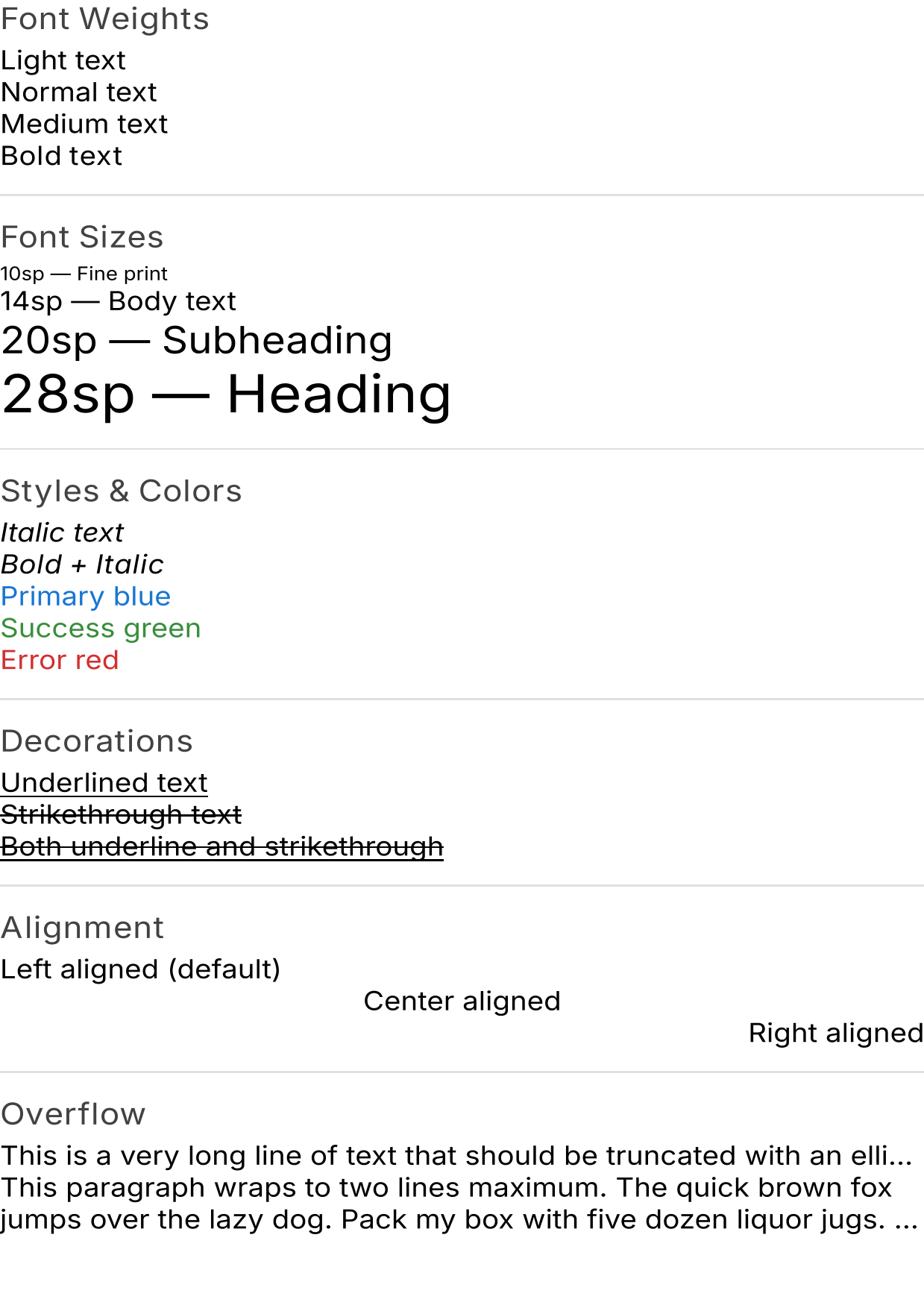
Text Styling |
Font weights, styles, colors, decorations, alignment |
| 04 |
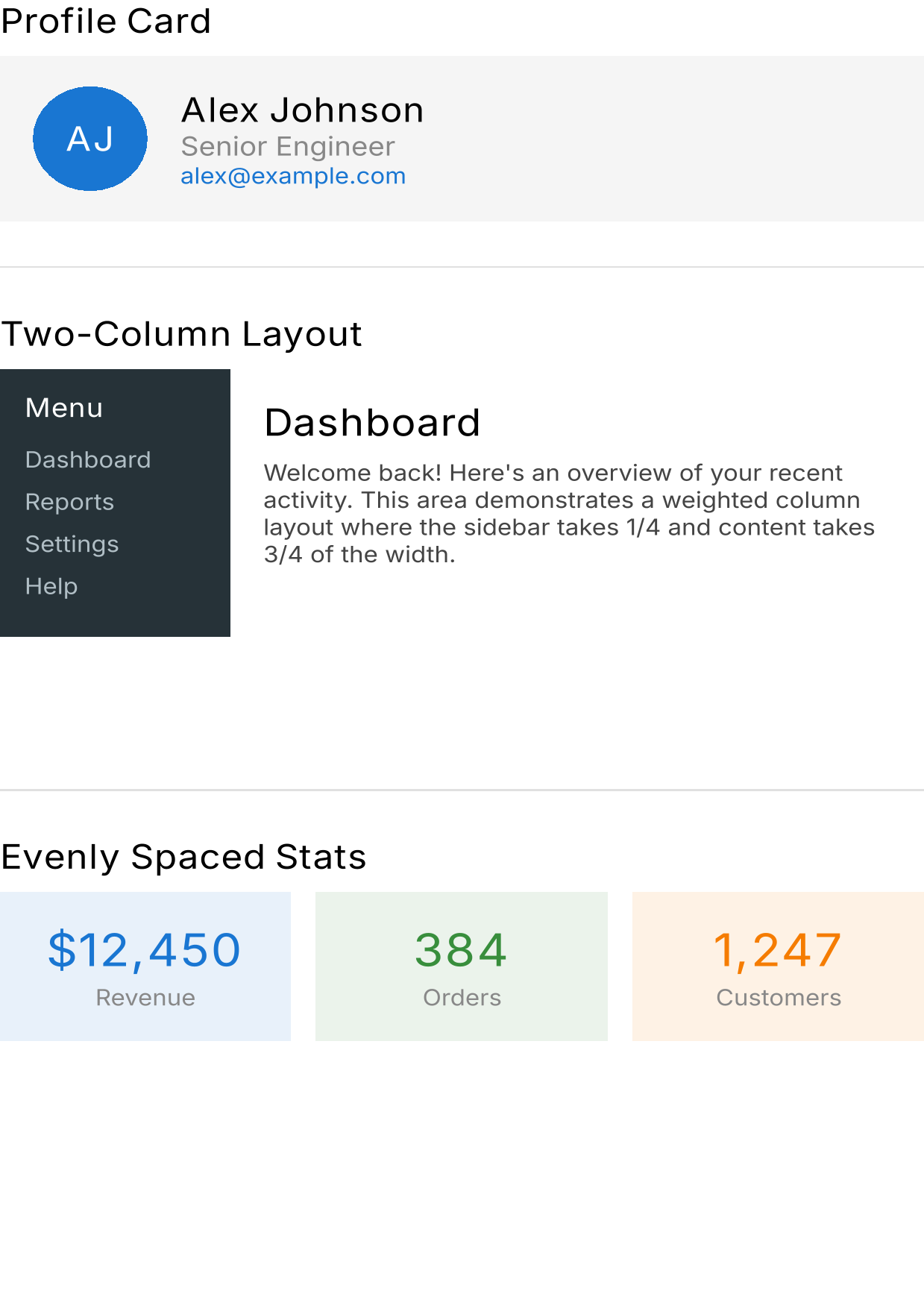
Layout Basics |
Column, Row, Box, weights, arrangement, padding |
| 05 |
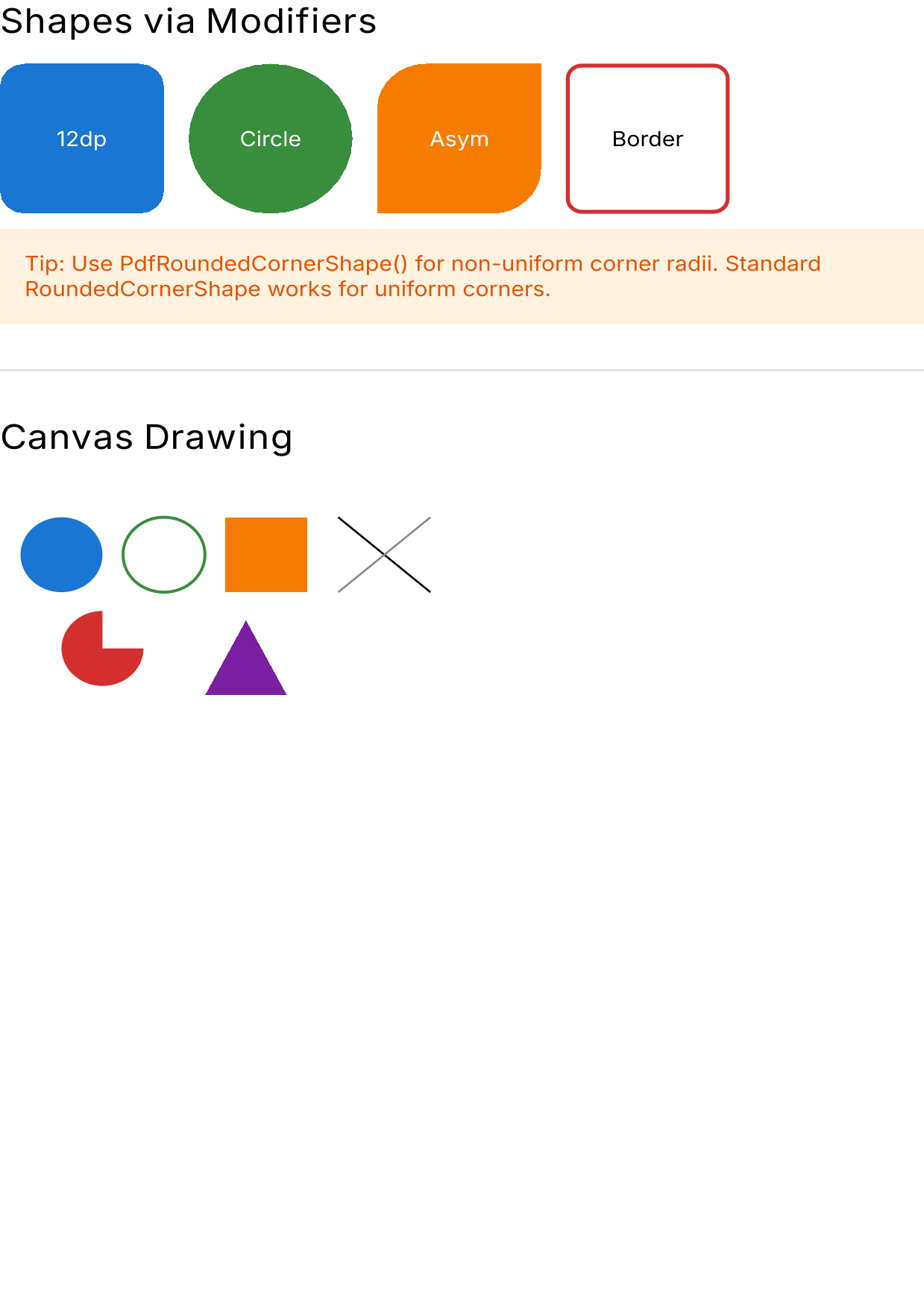
Shapes and Drawing |
Backgrounds, borders, clips, Canvas, rounded corners |
| 06 |
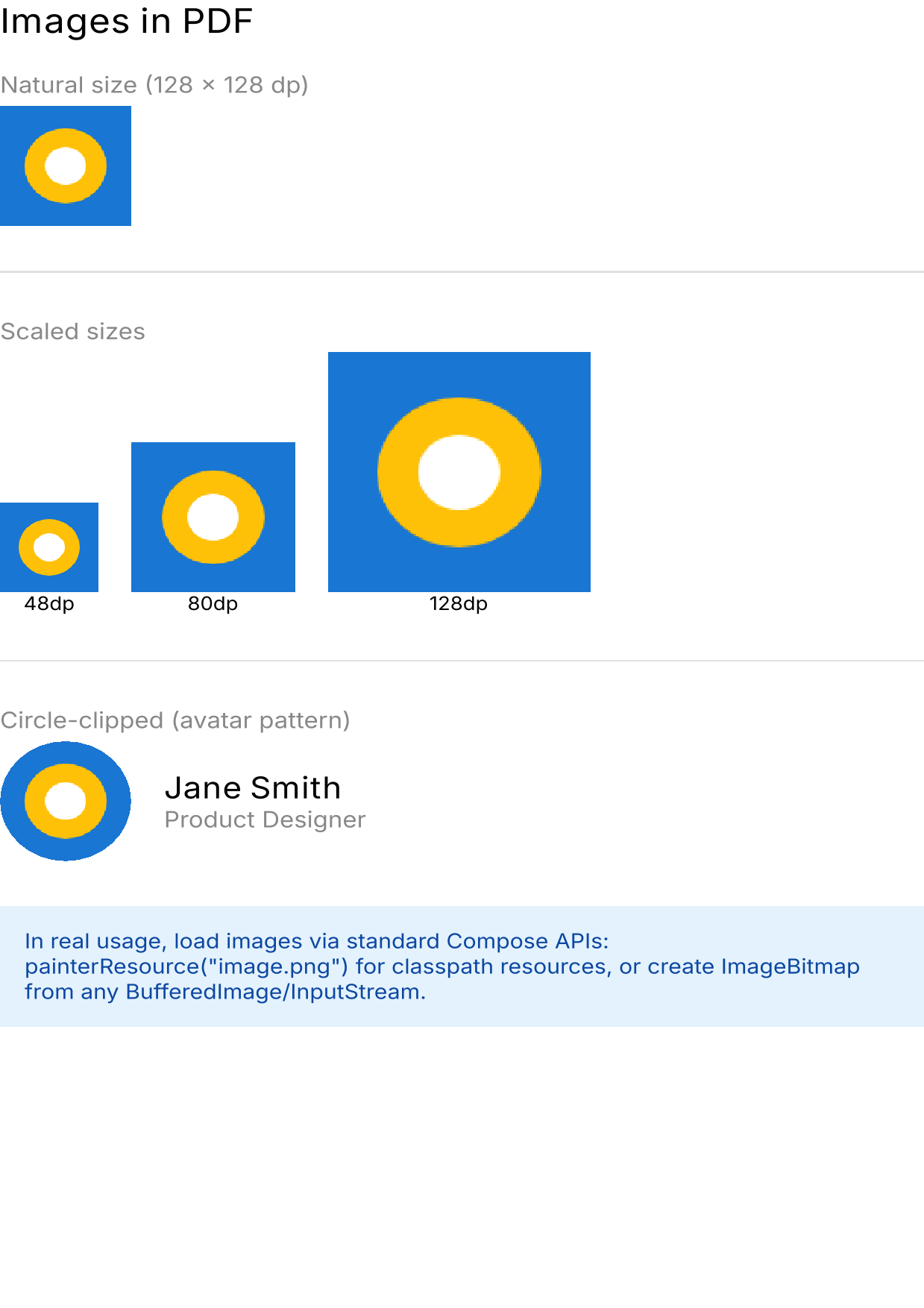
Images in PDF |
Bitmap embedding, sizing, circle clips |
| 07 |
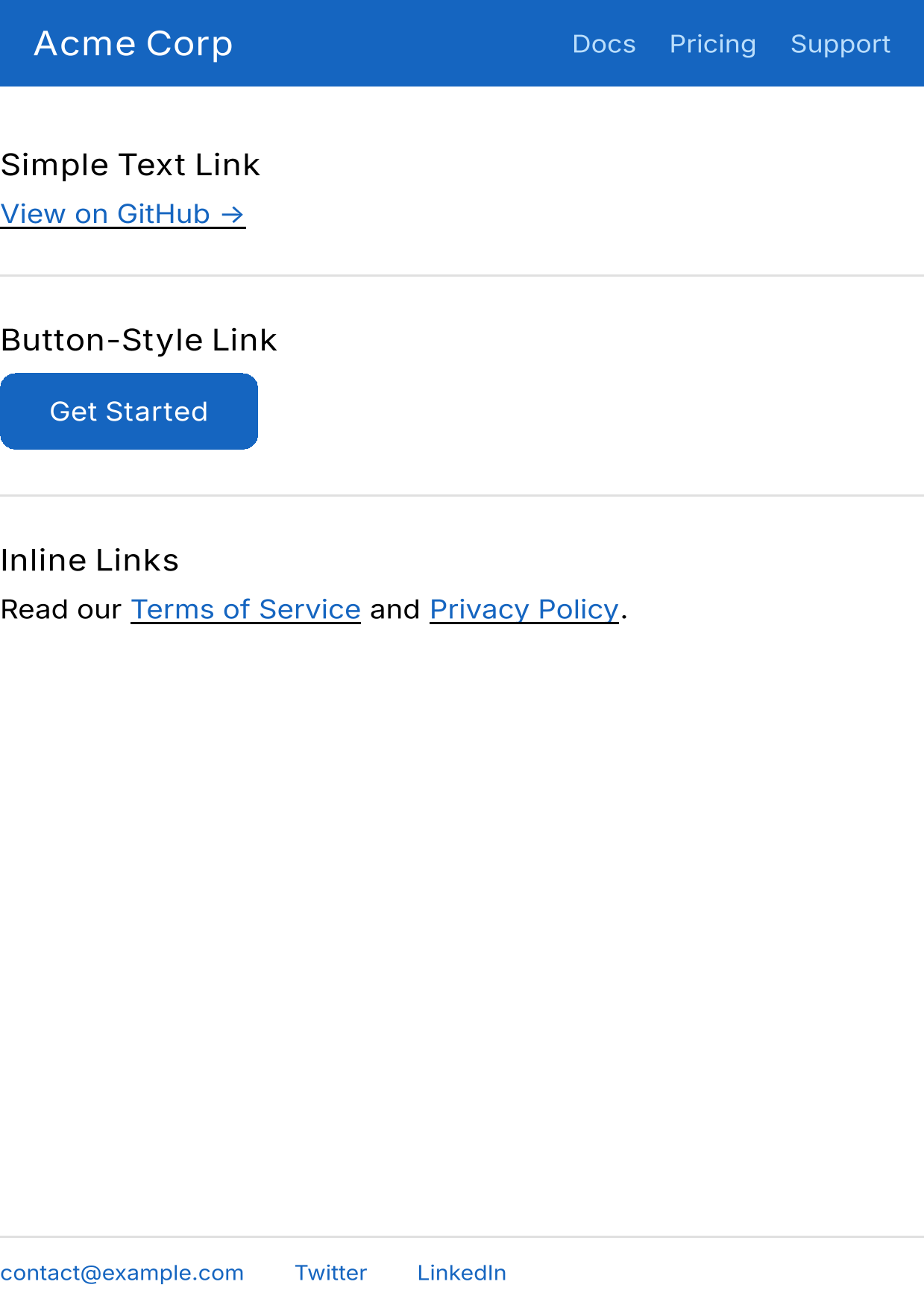
Links in PDF |
Text links, button links, inline links, email links |
| 08 |
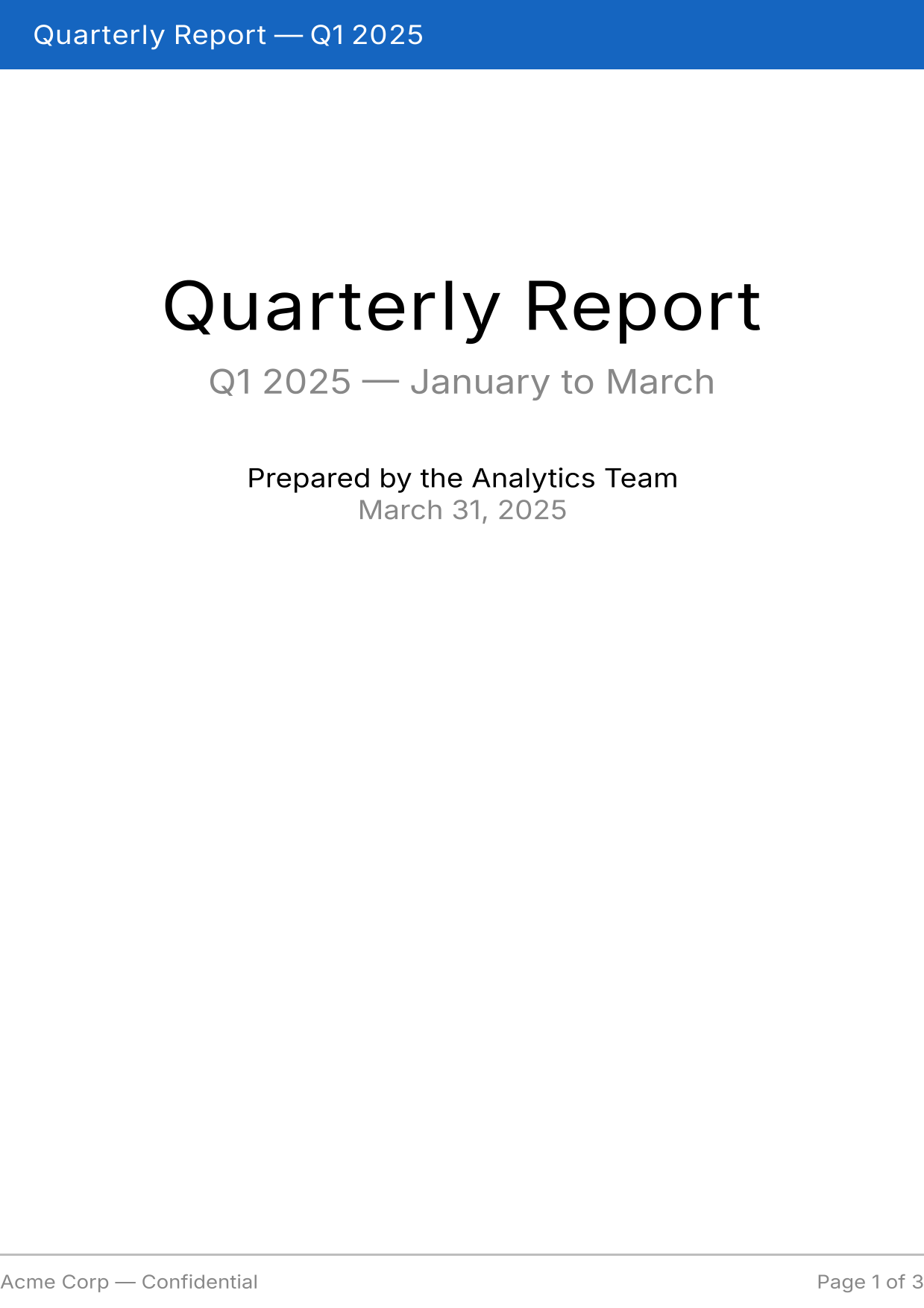
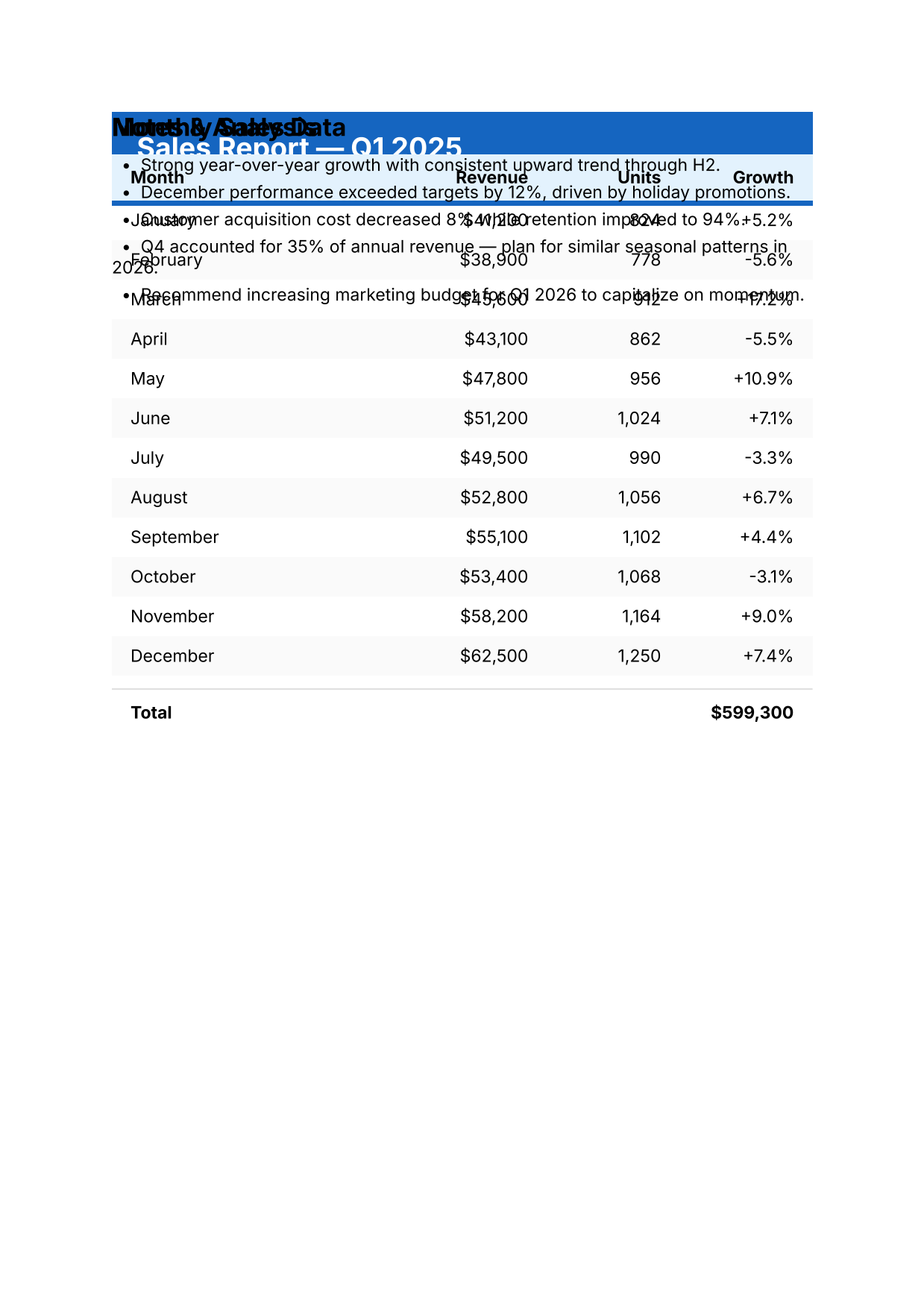
Multi-page Report |
Multi-page, shared headers/footers, tables, page numbers |
| 09 |
Vector vs Raster |
Side-by-side comparison of rendering modes |
| 10 |
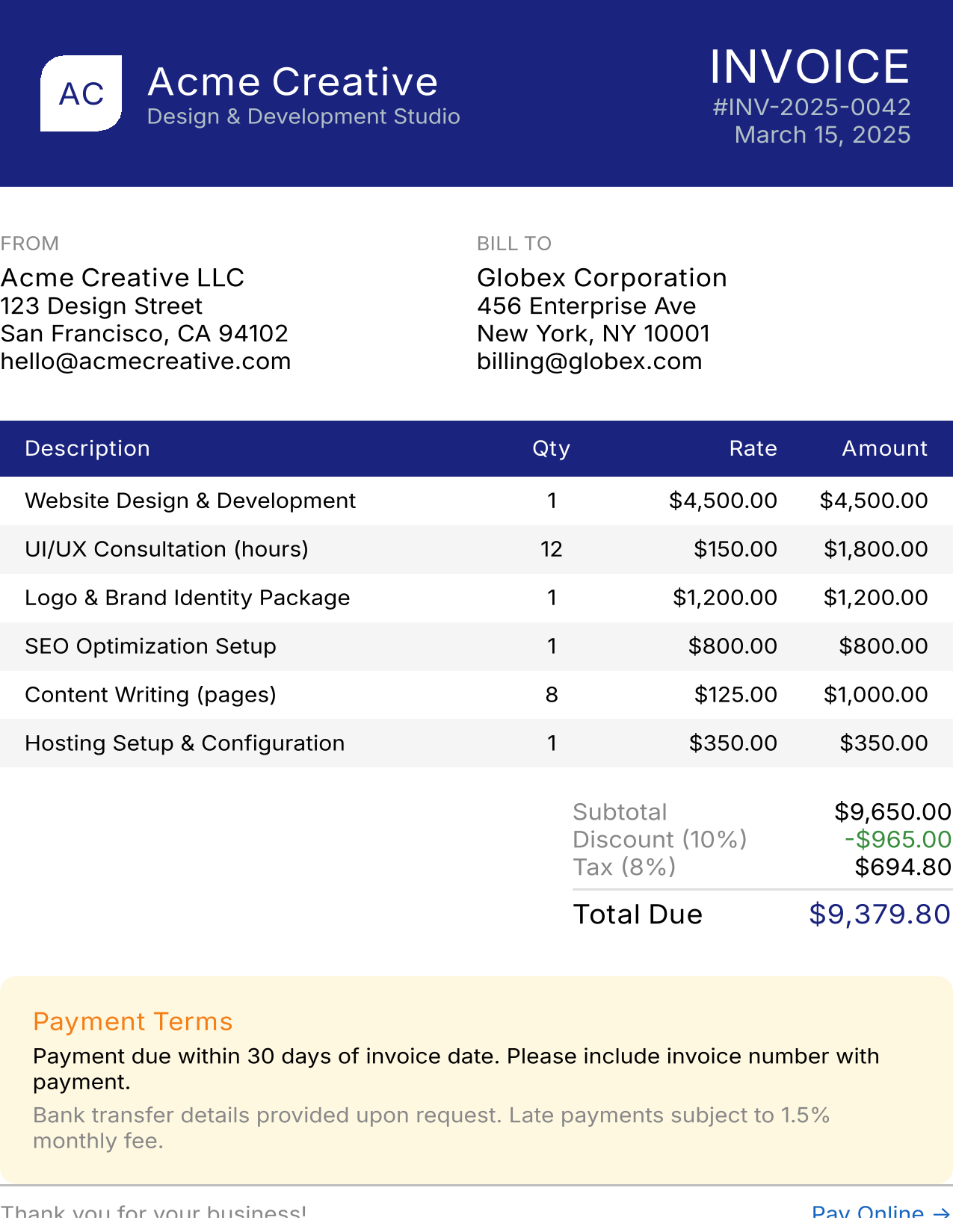
Professional Invoice |
Complete real-world document with all features |
| 11 |
Auto-Pagination |
Content flowing across pages automatically |
| 12 |
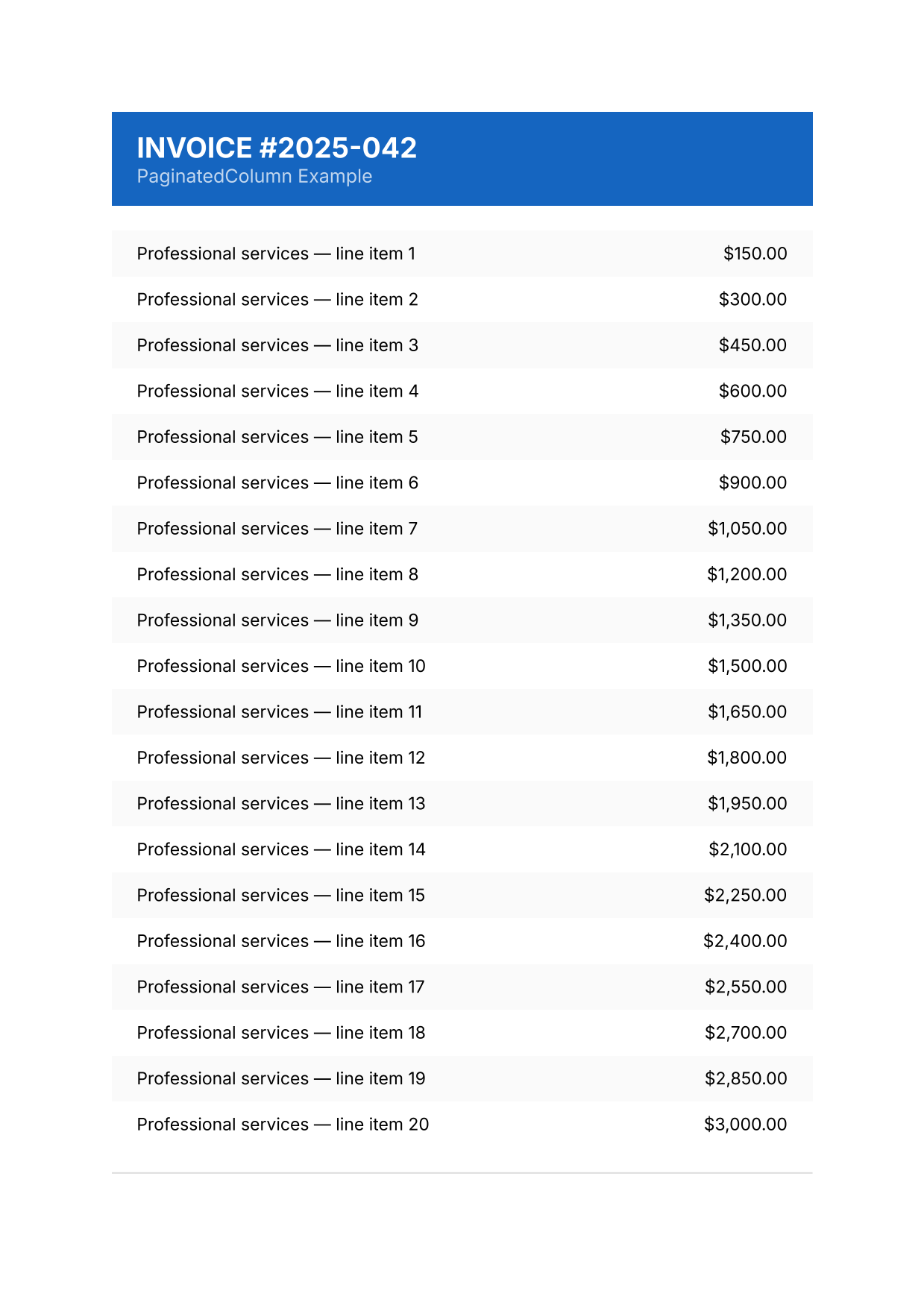
PaginatedColumn |
Page-break-aware column, children kept together |
| 13 |
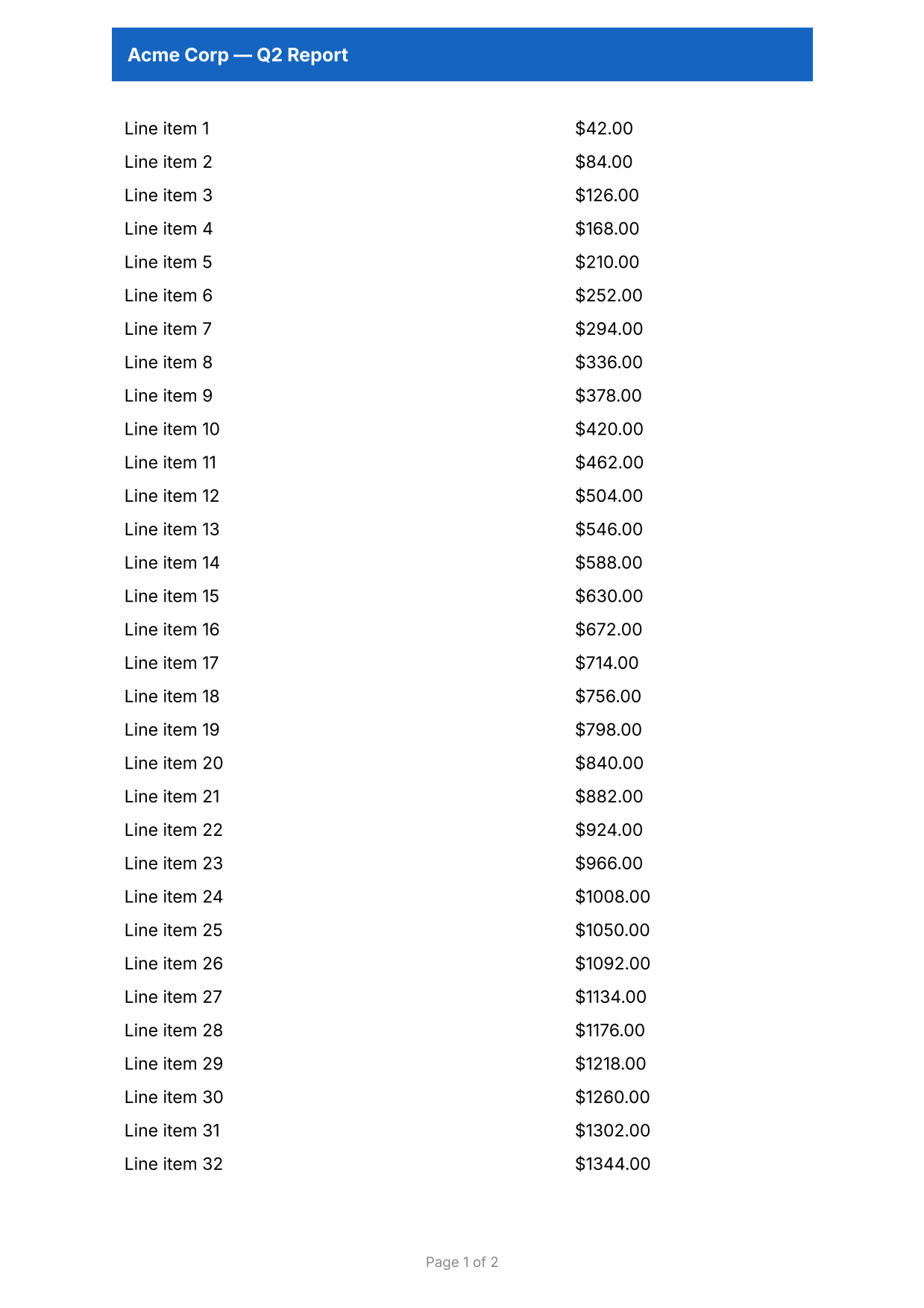
Header & Footer |
Per-page header/footer slots with page numbers |
| 14 |
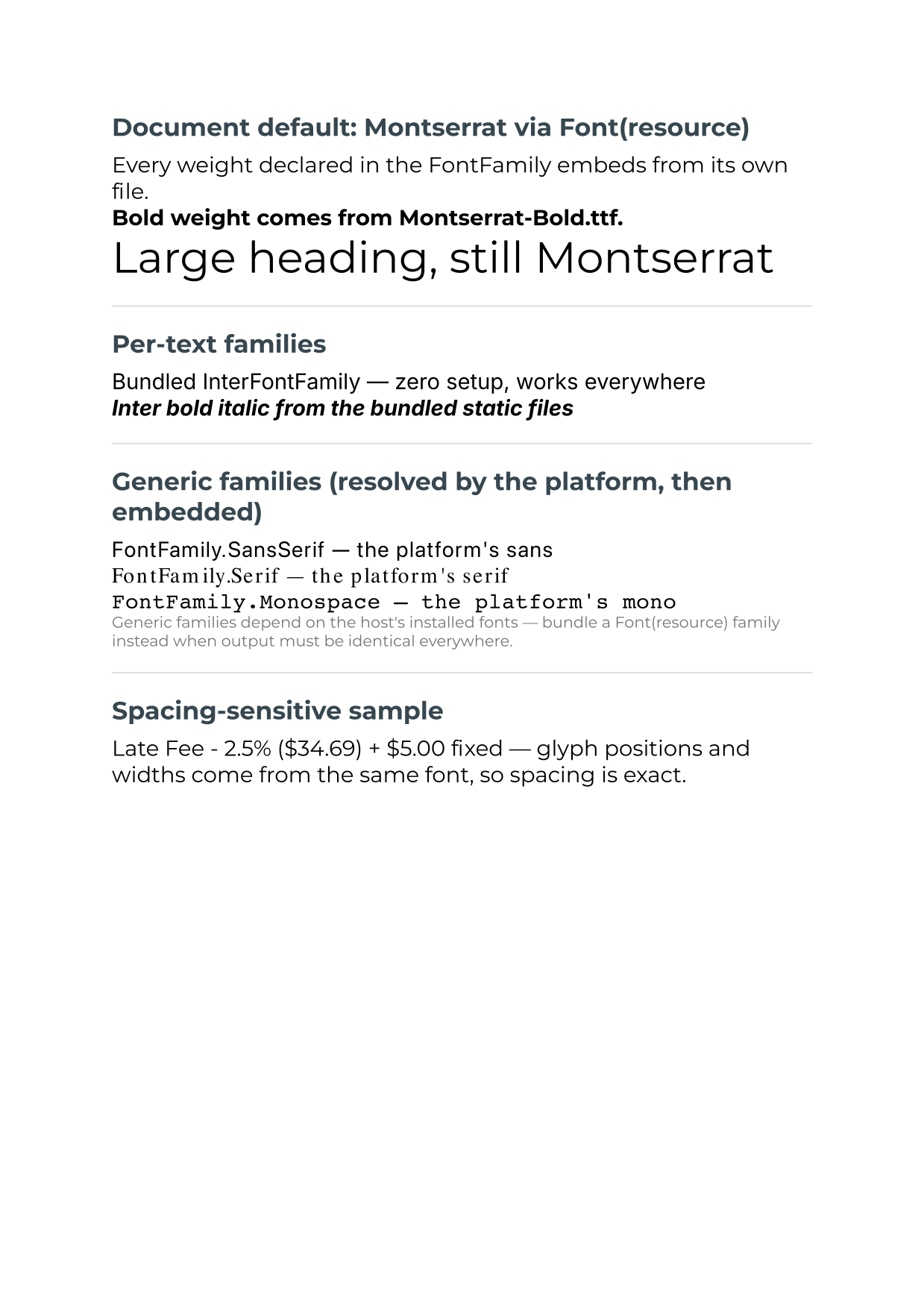
Custom Fonts |
Font(resource) families, bundled Inter, generic families — all embedded automatically |
Preview
| Hello World |
Text Styling |
Layout |
 |
 |
 |
| Shapes & Drawing |
Images |
Links |
 |
 |
 |
| Multi-page Report |
Professional Invoice |
Custom Fonts |
 |
 |
 |
| Auto-Pagination |
PaginatedColumn |
Header & Footer |
 |
 |
 |
Download PDFs
Quick links
Table of contents