Examples
Complete code examples demonstrating compose2pdf features. All examples are runnable – see Running Examples to generate PDFs locally.
Example gallery
| # | Example | Features demonstrated |
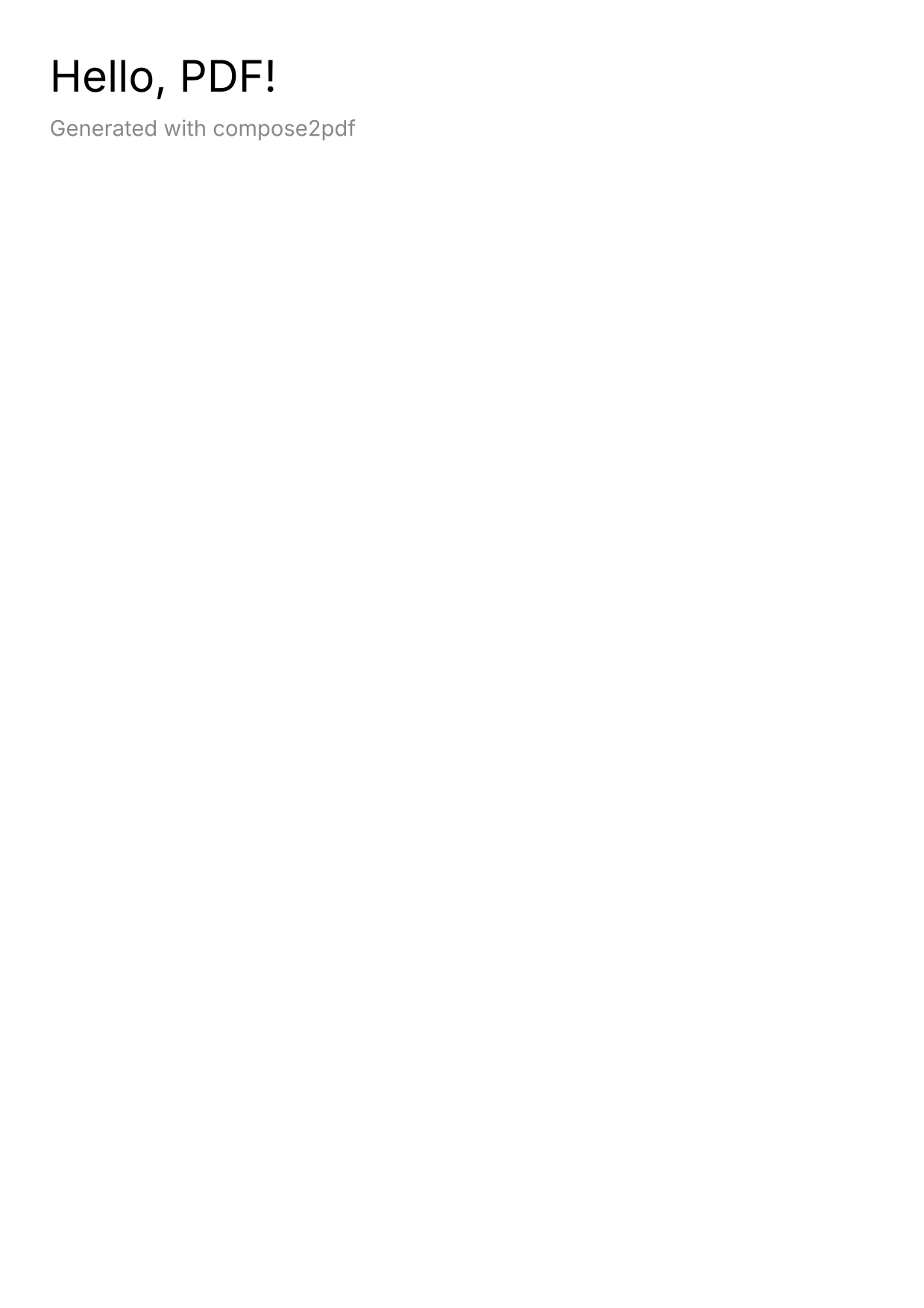
| 01 | Hello World | Basic renderToPdf, text, layout |
| 02 | Page Configuration | Page presets, margins, landscape, custom sizes |
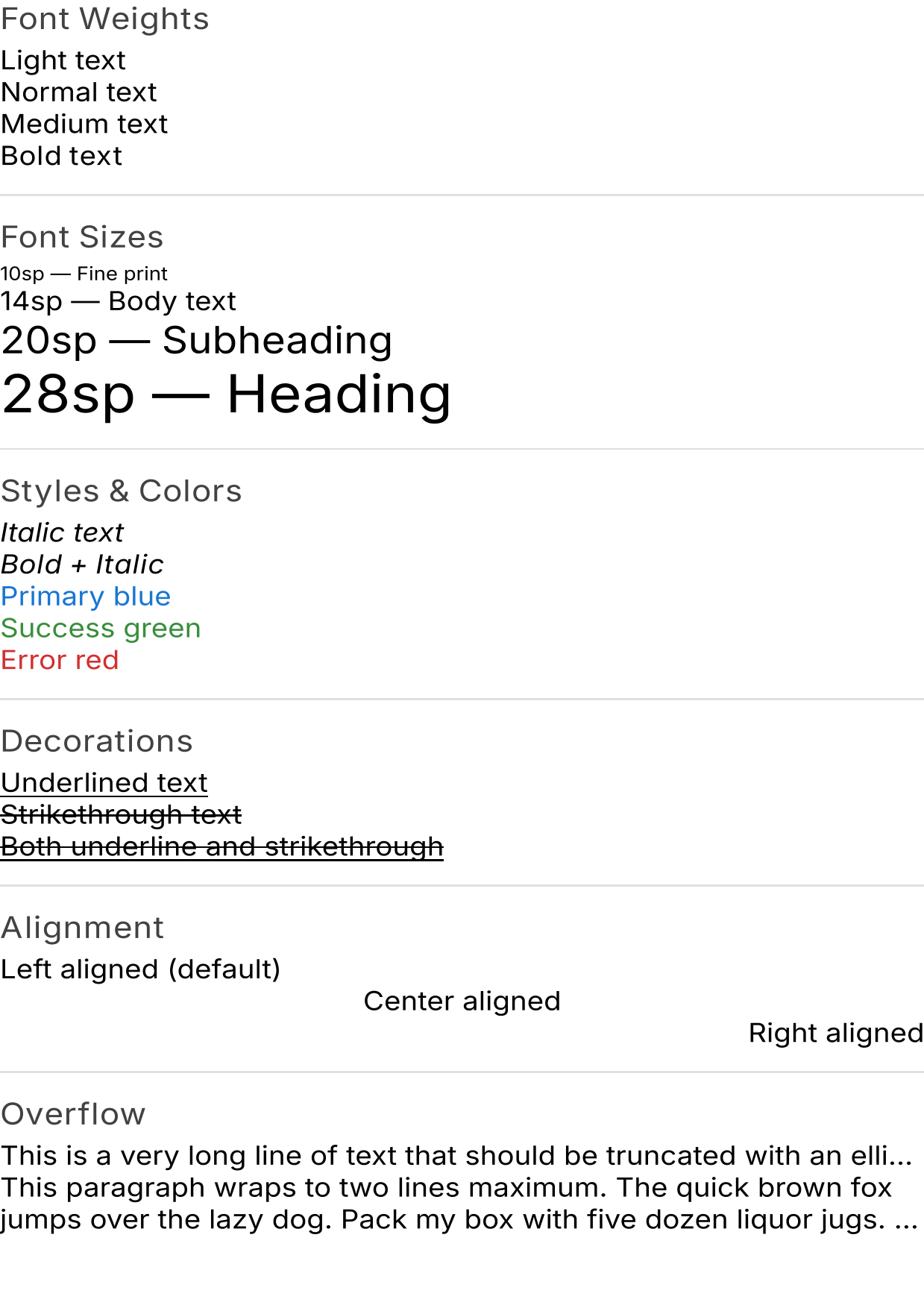
| 03 | Text Styling | Font weights, styles, colors, decorations, alignment |
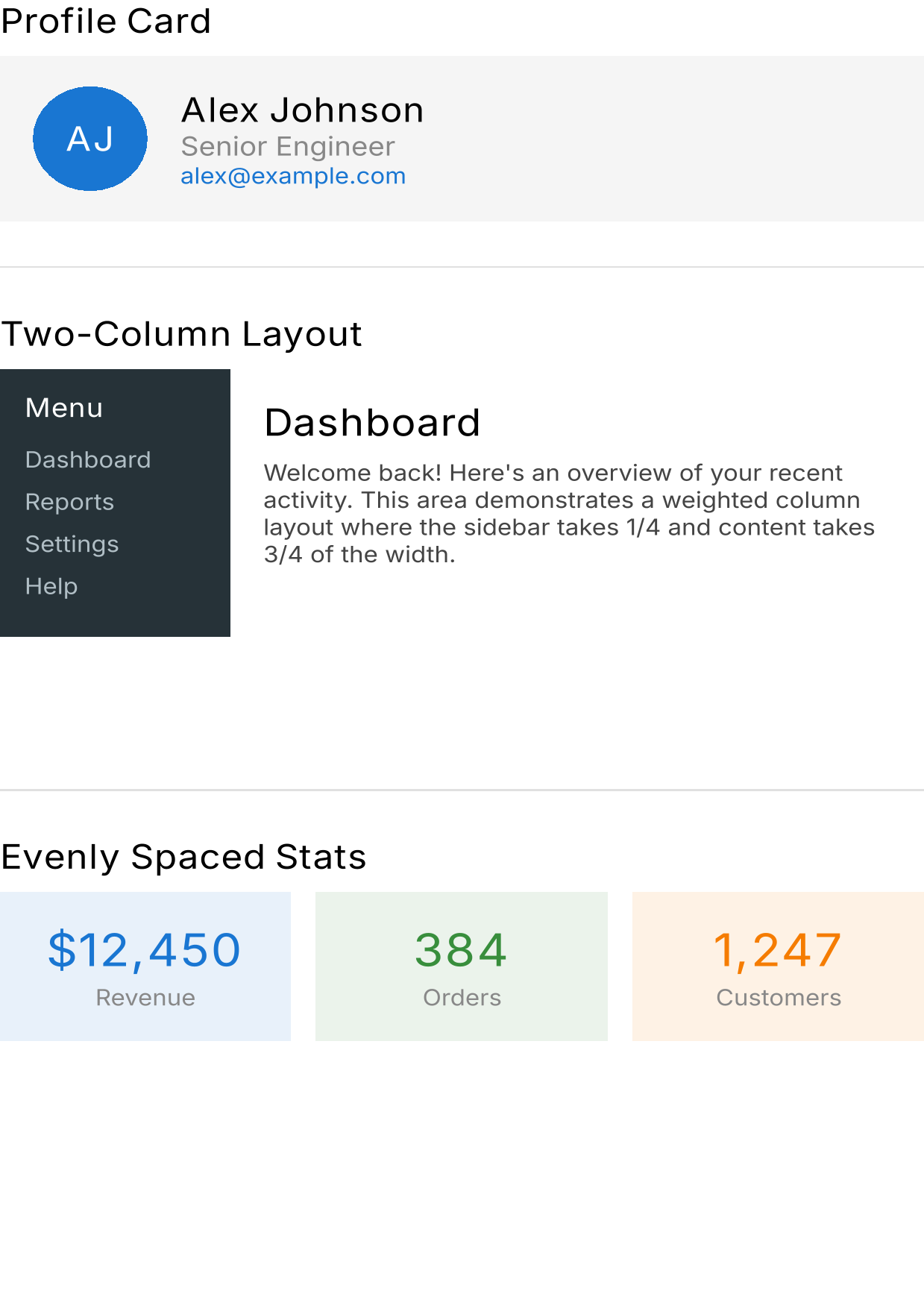
| 04 | Layout Basics | Column, Row, Box, weights, arrangement, padding |
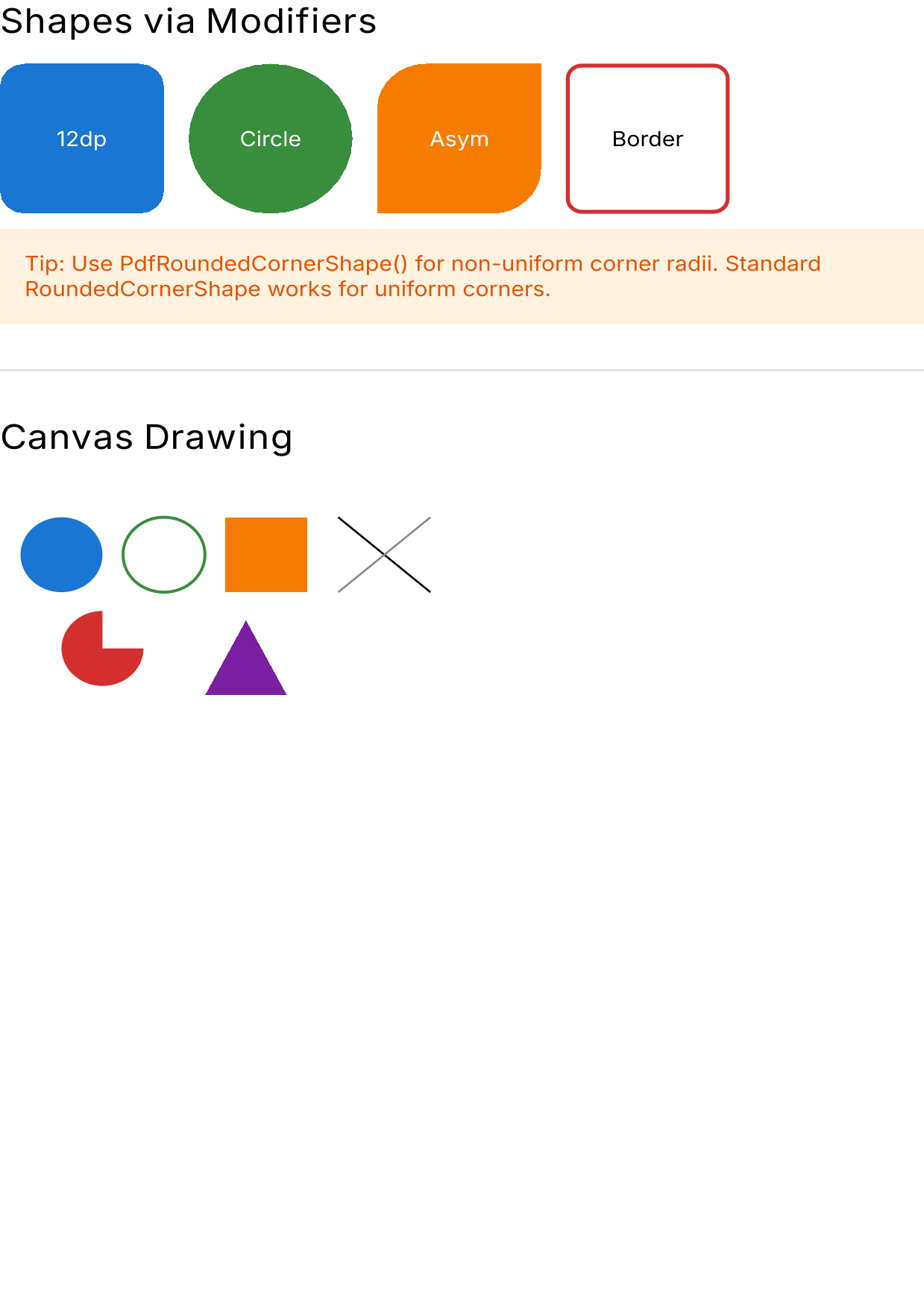
| 05 | Shapes and Drawing | Backgrounds, borders, clips, Canvas, rounded corners |
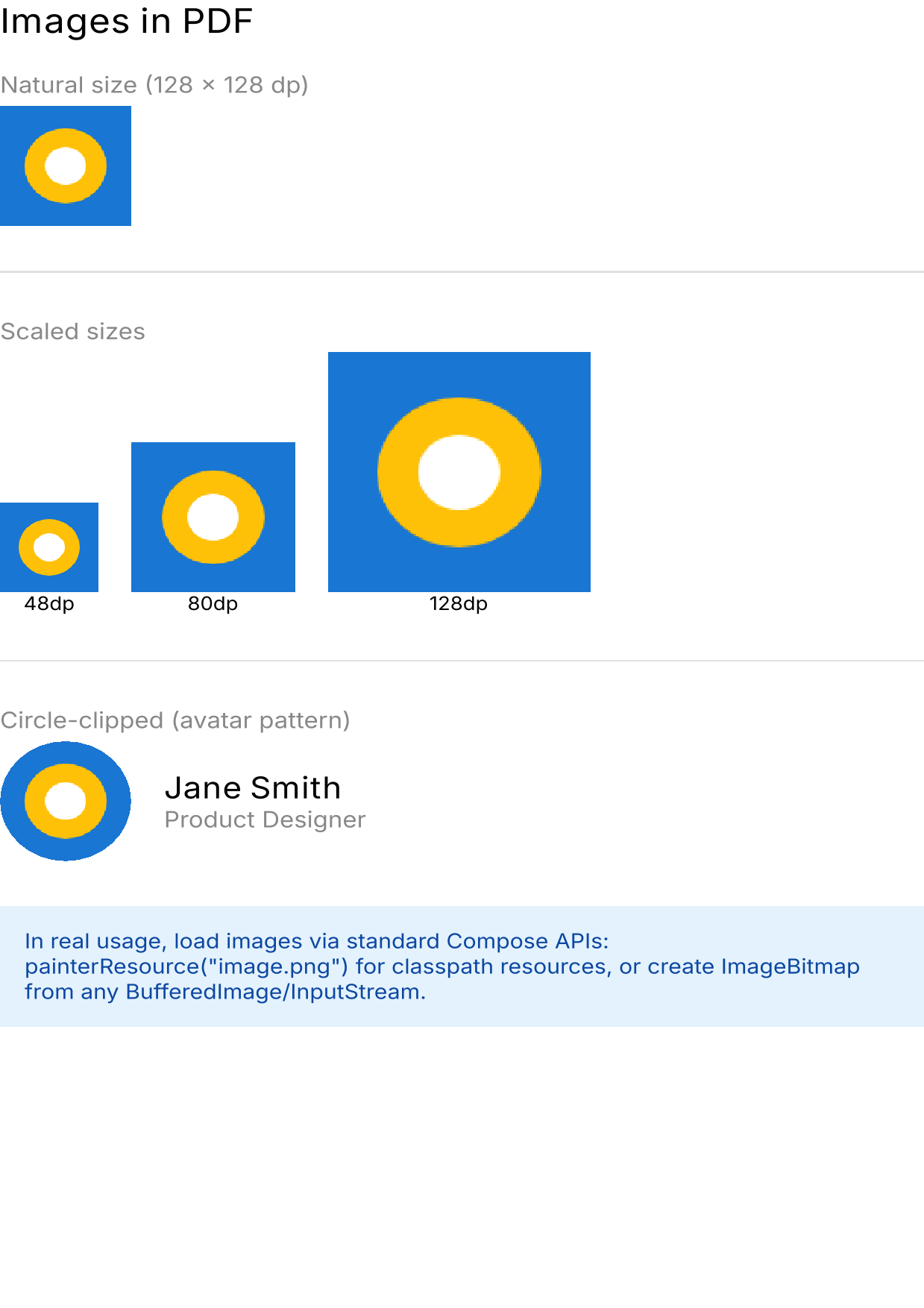
| 06 | Images in PDF | Bitmap embedding, sizing, circle clips |
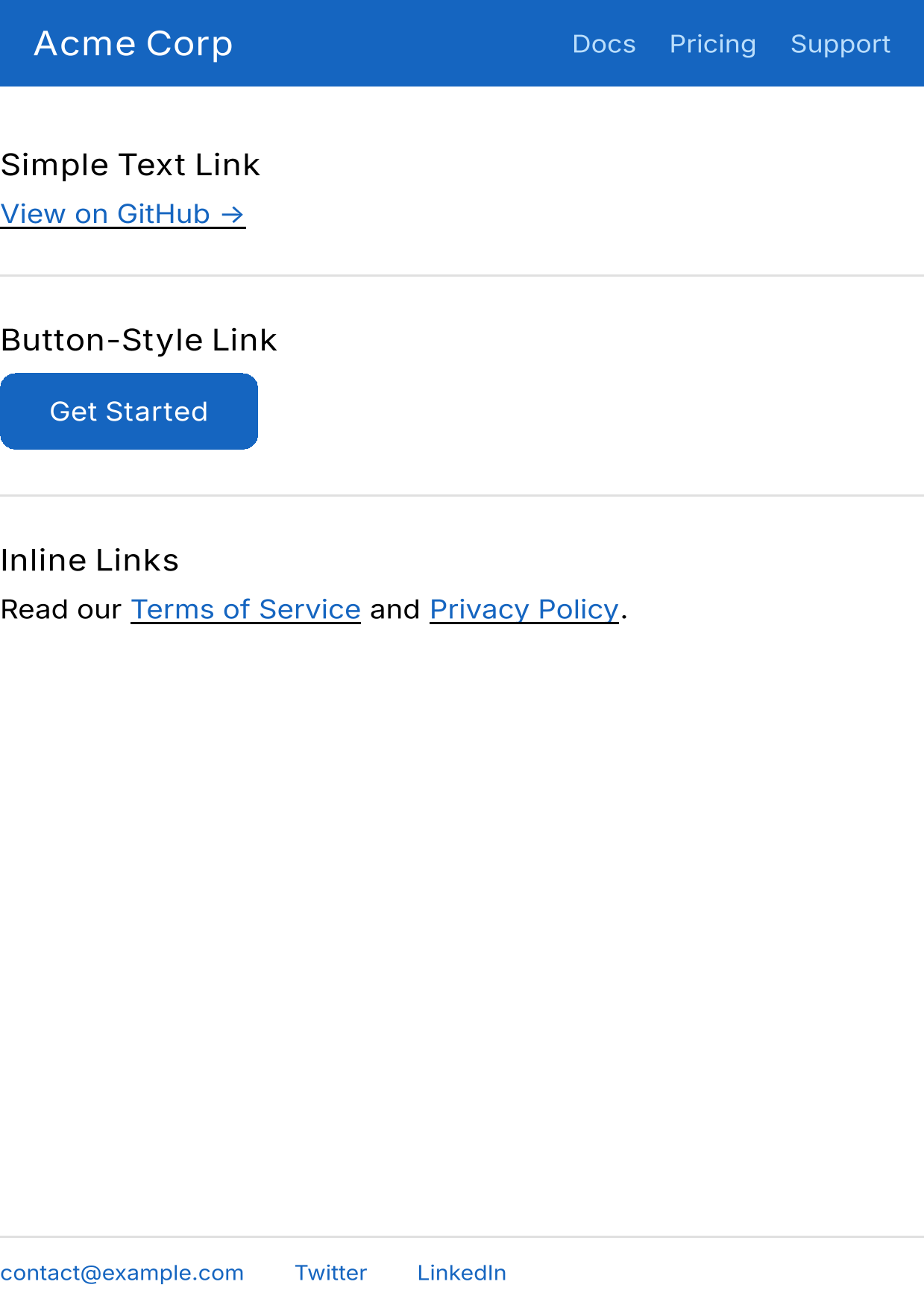
| 07 | Links in PDF | Text links, button links, inline links, email links |
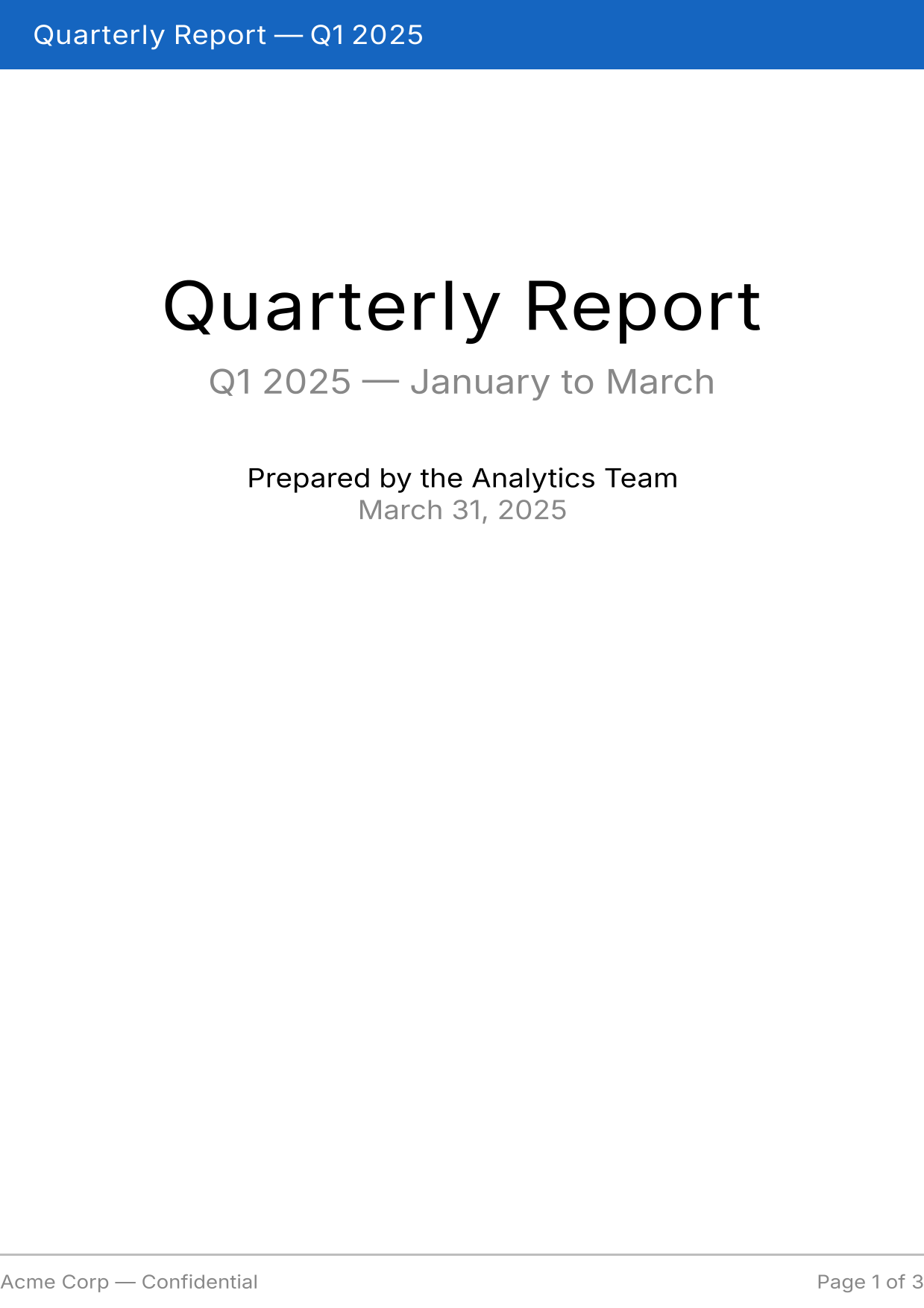
| 08 | Multi-page Report | Multi-page, shared headers/footers, tables, page numbers |
| 09 | Vector vs Raster | Side-by-side comparison of rendering modes |
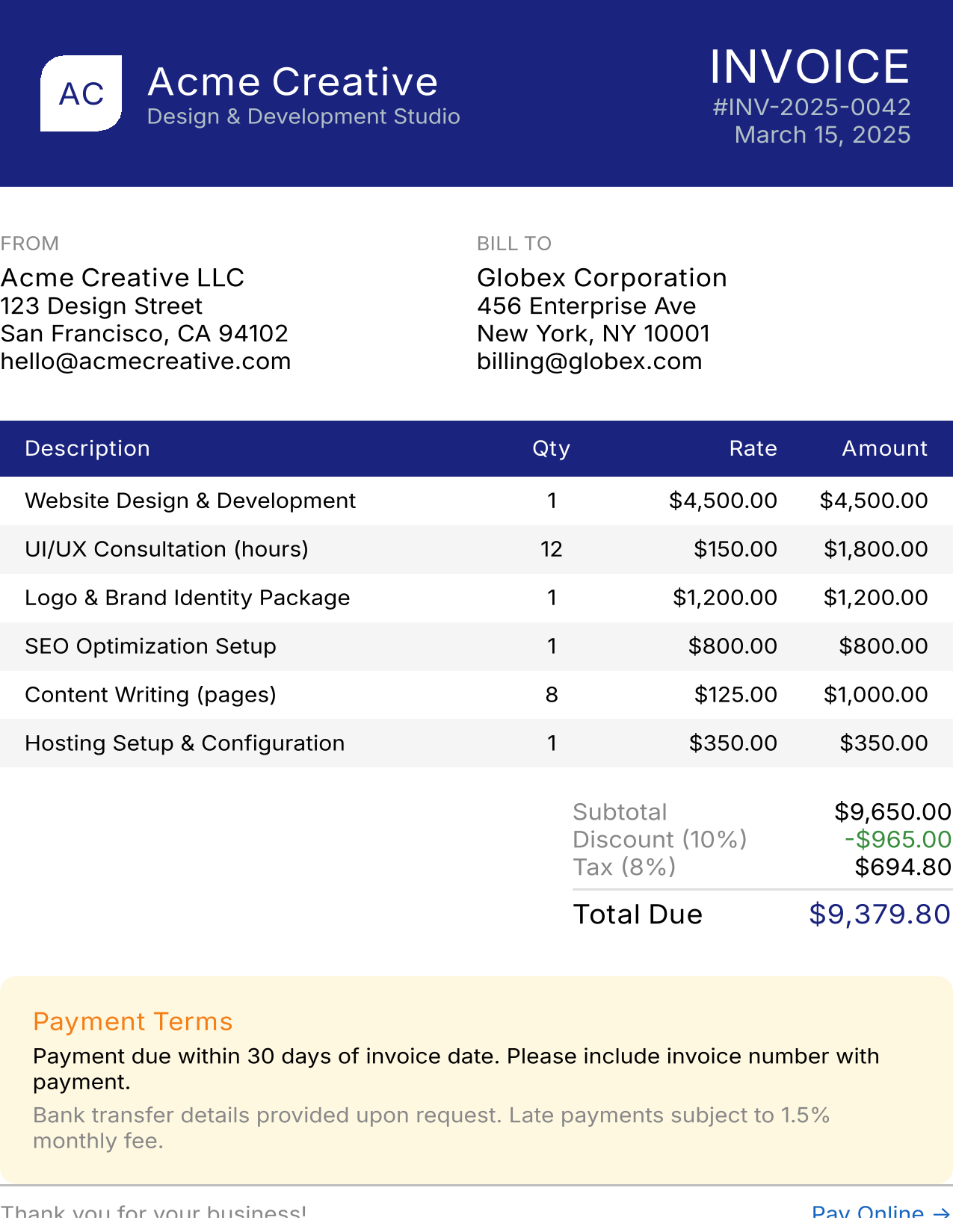
| 10 | Professional Invoice | Complete real-world document with all features |
Preview
| Hello World | Text Styling | Layout |
 |  |  |
| Shapes & Drawing | Images | Links |
 |  |  |
| Multi-page Report | Professional Invoice |
 |  |
Download PDFs
Quick links
Table of contents